p.20 #1 · Portrait and People Image Thread using Sony
AGeoJO wrote:
Adam,
No offense, it seems that his ear is more in focus. You may want to put the focus on the closest eye, in that case, his left eye. If you use an AF lens, as you indicated, and your camera has the Eye-AF feature, which is extremely helpful for portraits, you really should take advantage of that feature. You can just concentrate on the composition and on his expression. You trigger the camera as soon you see something you like. Hope this helps.
Joshua
Well, I still have a lot to learn, and should have looked closer before posting I suppose. The eye-AF was triggered on the closest eye when it fired, but it must not have been accurate or there was some movement. f/1.4 has been challenging for me for this reason with moving targets, and I tend to instead go conservative at f/1.8 or above to get a better hit rate.
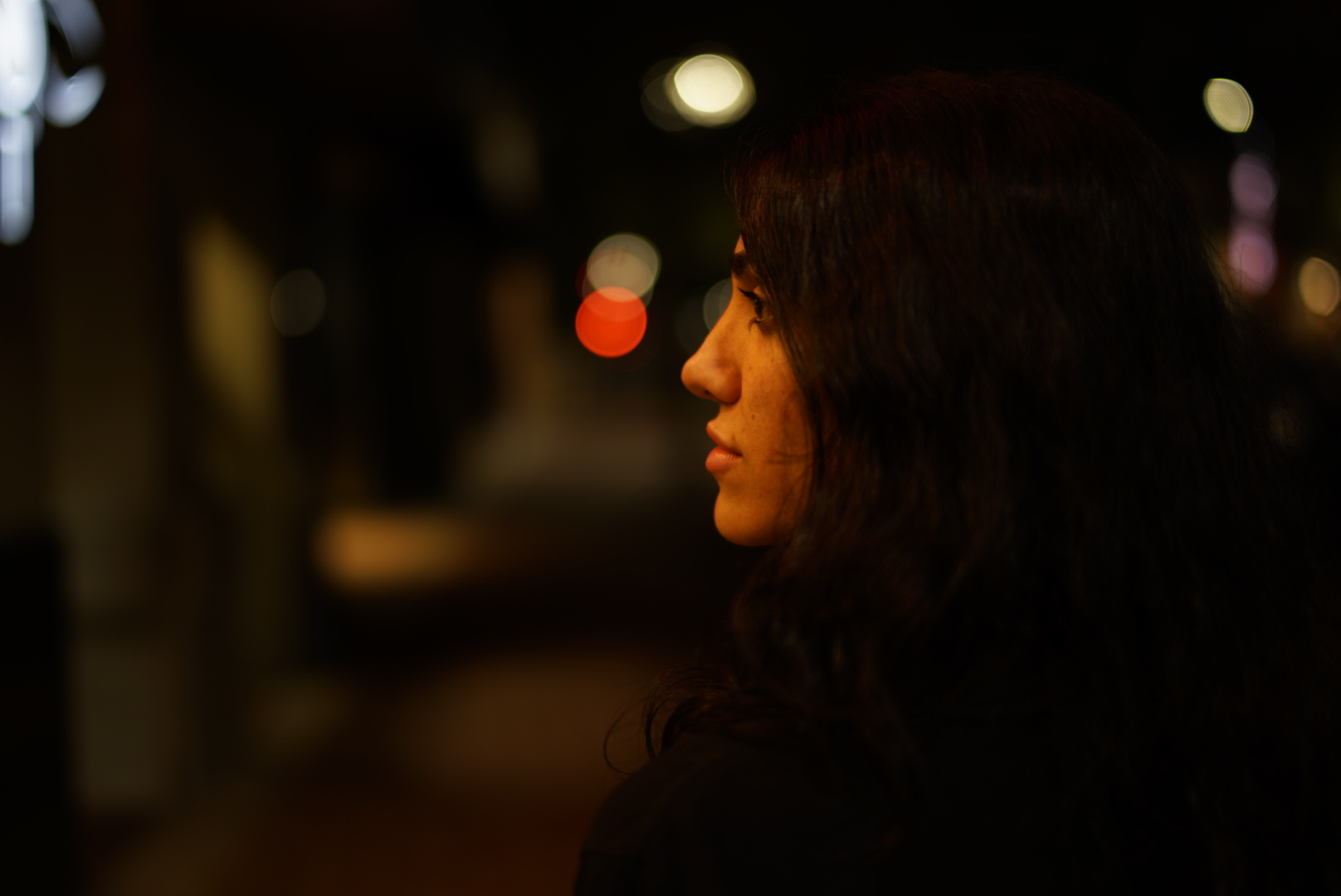
I have to say that on side profiles also, eye-AF has been pretty unreliable for me in general (a7iii, no matter the lens, native or otherwise). Conservatively, in this scenario at least 50% of the time it is just focusing on some portion of the head instead of the eye itself. I often wonder if this is to be expected, is user error or is some defect of the AF system.
p.20 #2 · Portrait and People Image Thread using Sony
abadger wrote:
Well, I still have a lot to learn, and should have looked closer before posting I suppose. The eye-AF was triggered on the closest eye when it fired, but it must not have been accurate or there was some movement. f/1.4 has been challenging for me for this reason with moving targets, and I tend to instead go conservative at f/1.8 or above to get a better hit rate.
I have to say that on side profiles also, eye-AF has been pretty unreliable for me in general (a7iii, no matter the lens, native or otherwise). Conservatively, in this scenario at least 50% of the time it is just focusing on some portion of the head instead of the eye itself. I often wonder if this is to be expected, is user error or is some defect of the AF system. ...Show more →
We all learn from each other, that's what this forum and this thread is about. Using a native lens, the success rate should be higher, quite a bit higher than 50%, I would say. Not sure how your setting was for the AF mode, but it is a good idea to set it to AF-C and let the AF latches on to the eye. If you set it on AF-S and your boy is moving then yes, it can mis-focus.
p.20 #3 · Portrait and People Image Thread using Sony
AGeoJO wrote:
We all learn from each other, that's what this forum and this thread is about. Using a native lens, the success rate should be higher, quite a bit higher than 50%, I would say. Not sure how your setting was for the AF mode, but it is a good idea to set it to AF-C and let the AF latches on to the eye. If you set it on AF-S and your boy is moving then yes, it can mis-focus.
I honestly appreciate the feedback and no offense taken whatsoever. If someone doesn’t mention it, I might not notice the error and I’m unlikely to improve upon technique. Setting was AF-C wide, eye-AF engaged. This is pretty much my standard setting for photographing my kids because the movement is so unpredictable.
But yes if they are not at least 45 degrees facing the camera, eye-AF does a pretty miserable job most of the time even with native glass in the best light. If they are looking at the camera, it hits quite well. Granted, lighting in my home is not optimal and that is my best guess as to why eye-AF isn’t totally reliable in that situation.
Some great shots in here! I thought it might be fun to talk a bit about processing styles for our portraits, so I’ll give a little summary for this one.
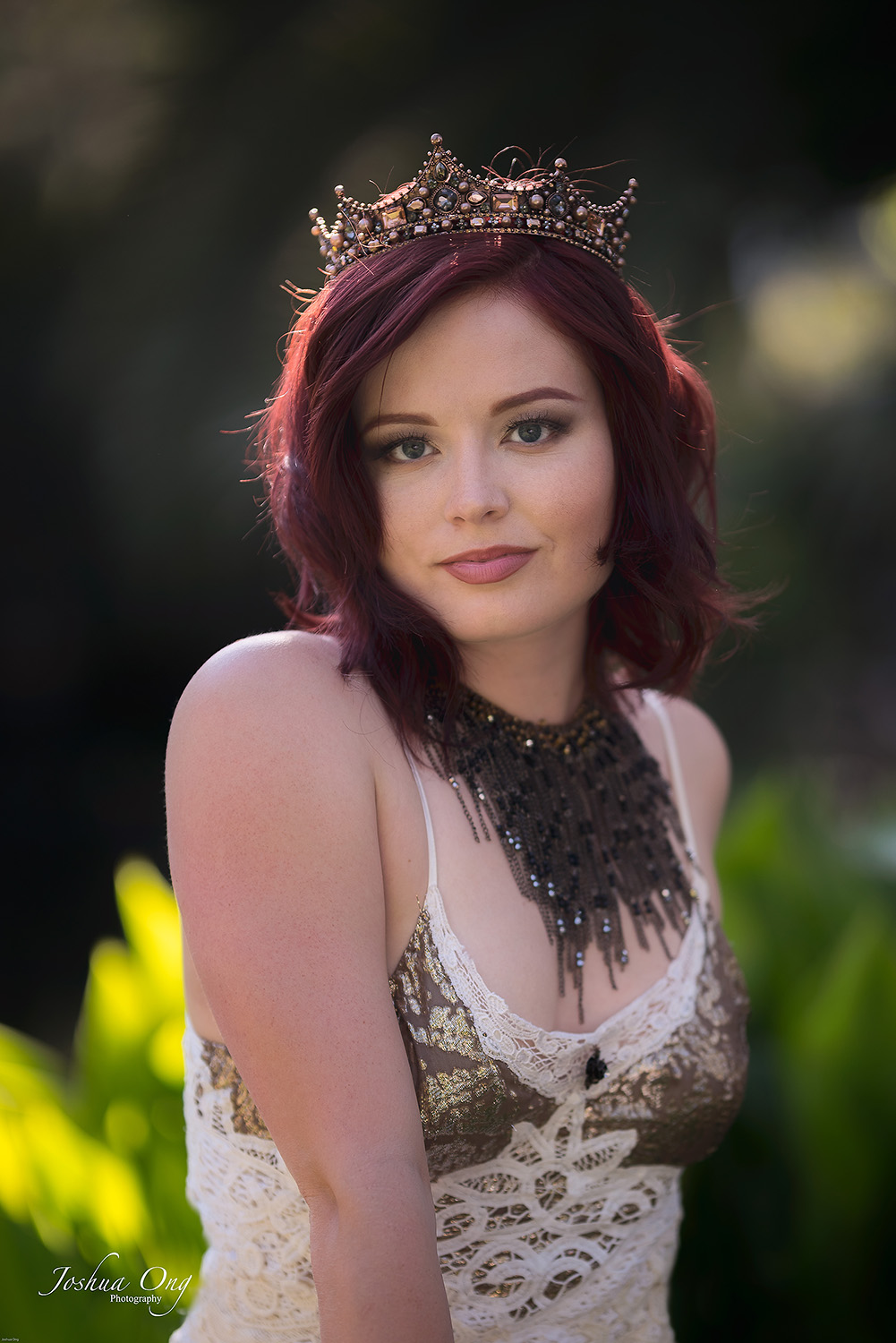
I developed the raw in LR fairly basically with minimal grading. Adobe Color with +40 blue saturation in the calibration tab. I recovered some highlights in the BG and then I added them back to the subject with an adjustment brush. I brushed a little exposure and saturation into the eyes as this was shot in natural light so the catch lights were dull. I used one more brush to add some dehaze to the reflection in the foreground to get that to pop a bit more.
In Photoshop, I used a light touch of frequency separation to clean up the skin just a bit. Healing brush and clone stamp tool on the texture layer to remove some dry skin and zits. Healing brush on the color layer to smooth over a few patches. Nothing fancy.
Then I did some very quick and dirty dodge and burn. Curves to add highlights, blend if to exclude darker regions, rasterized one copy with the adjustment and one without, subtracted the normal from the light with apply image, blurred and desaturated the light copy, blend mode to overlay, and then painted just a bit to add a little more dimension. Same process for burning but I used soft light blend mode. I duplicated the burn layer to darken the shadows of the surroundings as well. I am really liking this dodge and burn method lately. It really helps to just enhance the light that exists and makes it much harder to accidentally destroy it. Sometimes I will repeat the process for different parts of the body or the face and fine tune the blend if slider on the curves to isolate or exclude different areas.
For the grade, I used curves to bump up the blue in the shadows and reduce red (add cyan) to the highlights. Then I used a color balance adjustment on the skin to restore some of the red and yellow that I lost from the colder curves adjustments. I also removed some saturation from his purple shirt as I found it too distracting. Next, I added one of Photoshops built in LUTs, masked that into the highlights with a L2 Lumenzia mask, and reduced the opacity to about 25%. I sharpened lightly with Smart Sharpen and finally added a vignette back in LR in highlight priority mode with the highlights slider maxed out to exclude the sky.
p.20 #6 · Portrait and People Image Thread using Sony
My pleasure Scott! I’m always more than happy to share and I really appreciate it when others do too. The post processing forum here is pretty quiet but hopefully more people will chime in on this board.
RoamingScott wrote:
Nice, Matt, always interesting to see a peek behind the curtain of the digital darkroom!
p.20 #7 · Portrait and People Image Thread using Sony
fuzzykeys wrote:
My pleasure Scott! I’m always more than happy to share and I really appreciate it when others do too. The post processing forum here is pretty quiet but hopefully more people will chime in on this board.
New to this board and am not to this level in photoshop skills, but have to say +1 to that post and look forward to more posts like it (and excellent photo).
p.20 #17 · Portrait and People Image Thread using Sony
Fred Miranda wrote:
I don't think I will get rid of mine...
Actually, I ended up buying another one AFTER the announcement of the A7r IV. Maybe, just maybe it is time for me to sell the A7r II now. But I love the PlayMemories Apps in it though...
p.20 #18 · Portrait and People Image Thread using Sony
AGeoJO wrote:
Actually, I ended up buying another one AFTER the announcement of the A7r IV. Maybe, just maybe it is time for me to sell the A7r II now. But I love the PlayMemories Apps in it though...
Don't remind me about the apps, I'm still mourning their death...
p.20 #19 · Portrait and People Image Thread using Sony
I'm struggling with carrying the Q2 and the a7r iv with the 50 1.4 ZA on a daily basis or just packing the r iii and the 24 GM with the r iv and the 50 and selling the Q2. The Sony's focusing ability gives me more consistent sharpness in my images, but there's something magical about the Q2 wide open. I guess it's not a bad dilemma to have - or I could just get a bigger bag and keep all three
p.20 #20 · Portrait and People Image Thread using Sony
saxguy wrote:
I'm struggling with carrying the Q2 and the a7r iv with the 50 1.4 ZA on a daily basis or just packing the r iii and the 24 GM with the r iv and the 50 and selling the Q2. The Sony's focusing ability gives me more consistent sharpness in my images, but there's something magical about the Q2 wide open. I guess it's not a bad dilemma to have - or I could just get a bigger bag and keep all three
When the alternative is carrying multiple cameras, the 24-70 GM doesn’t look that gigantic anymore.... And then there is this magic “do it all” FL of 35mm where we have now some interesting choices.