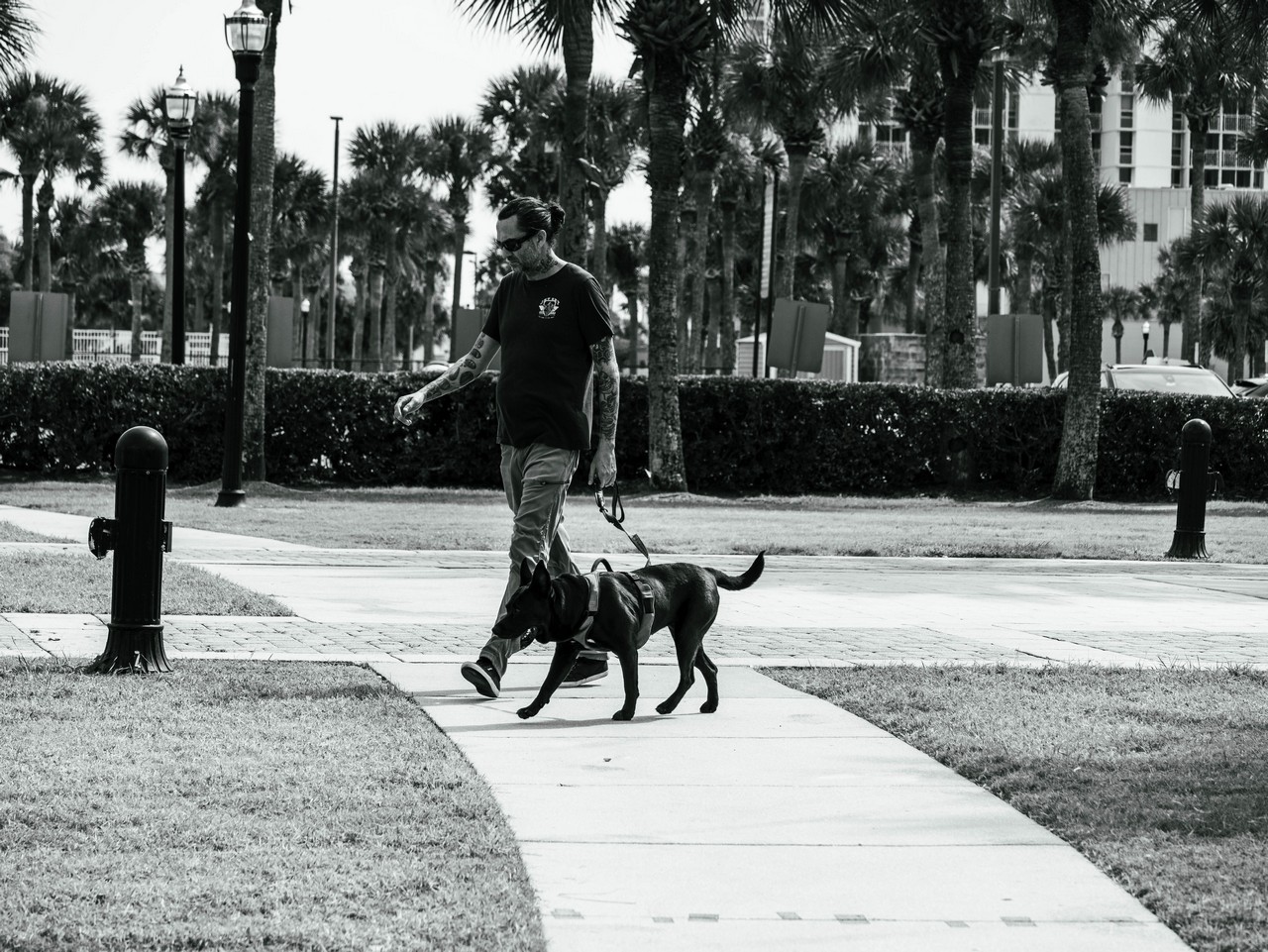
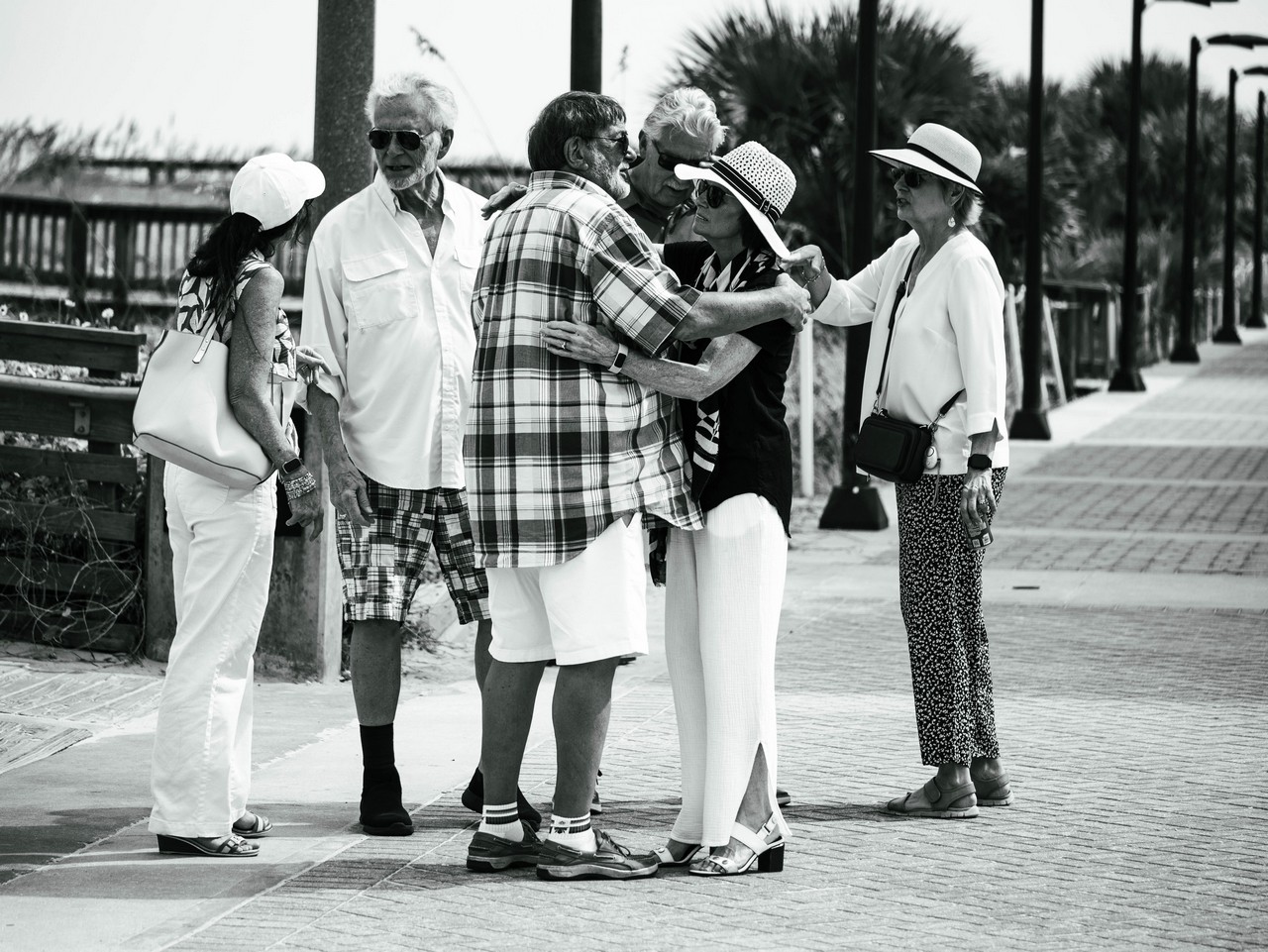
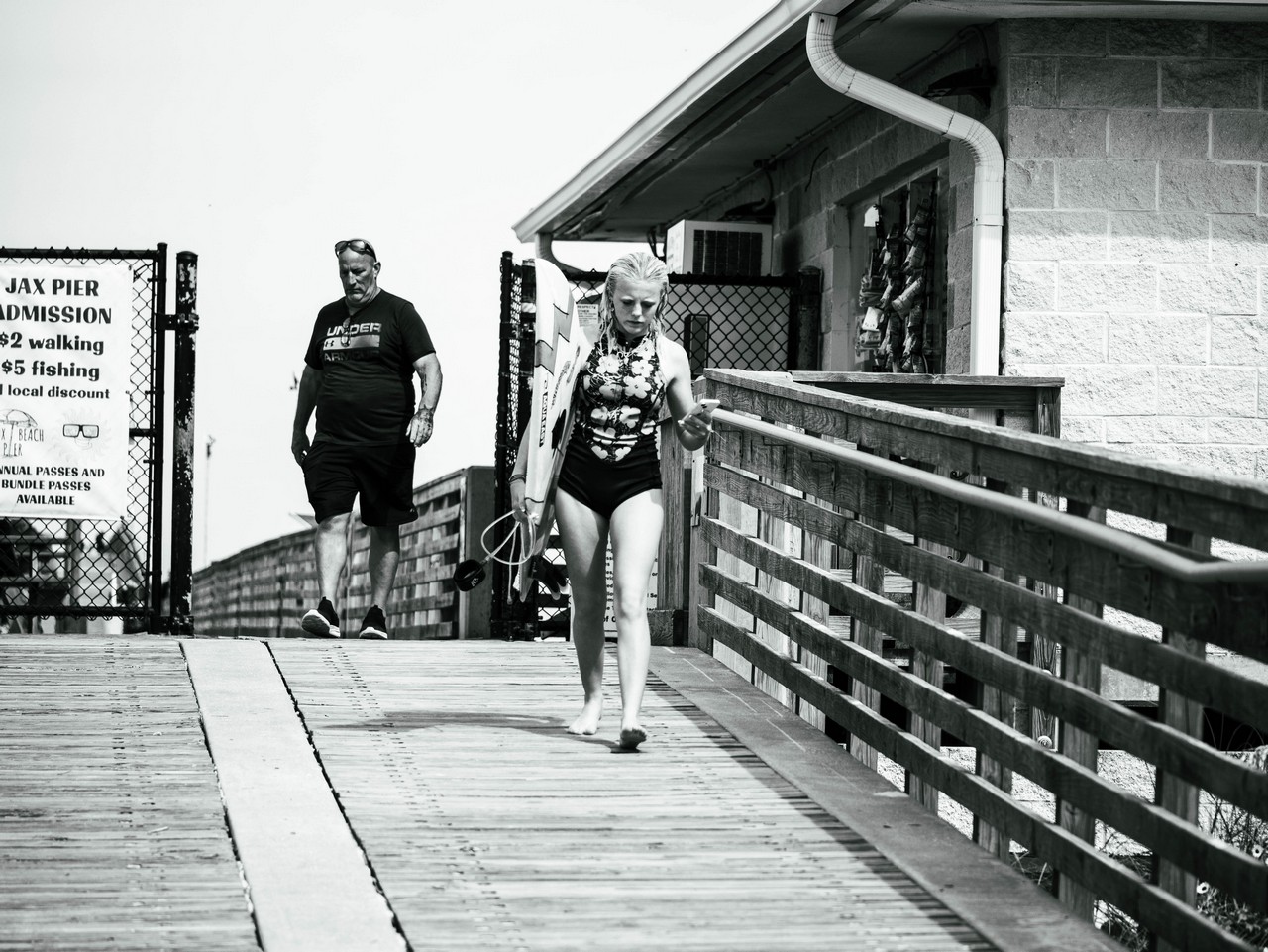
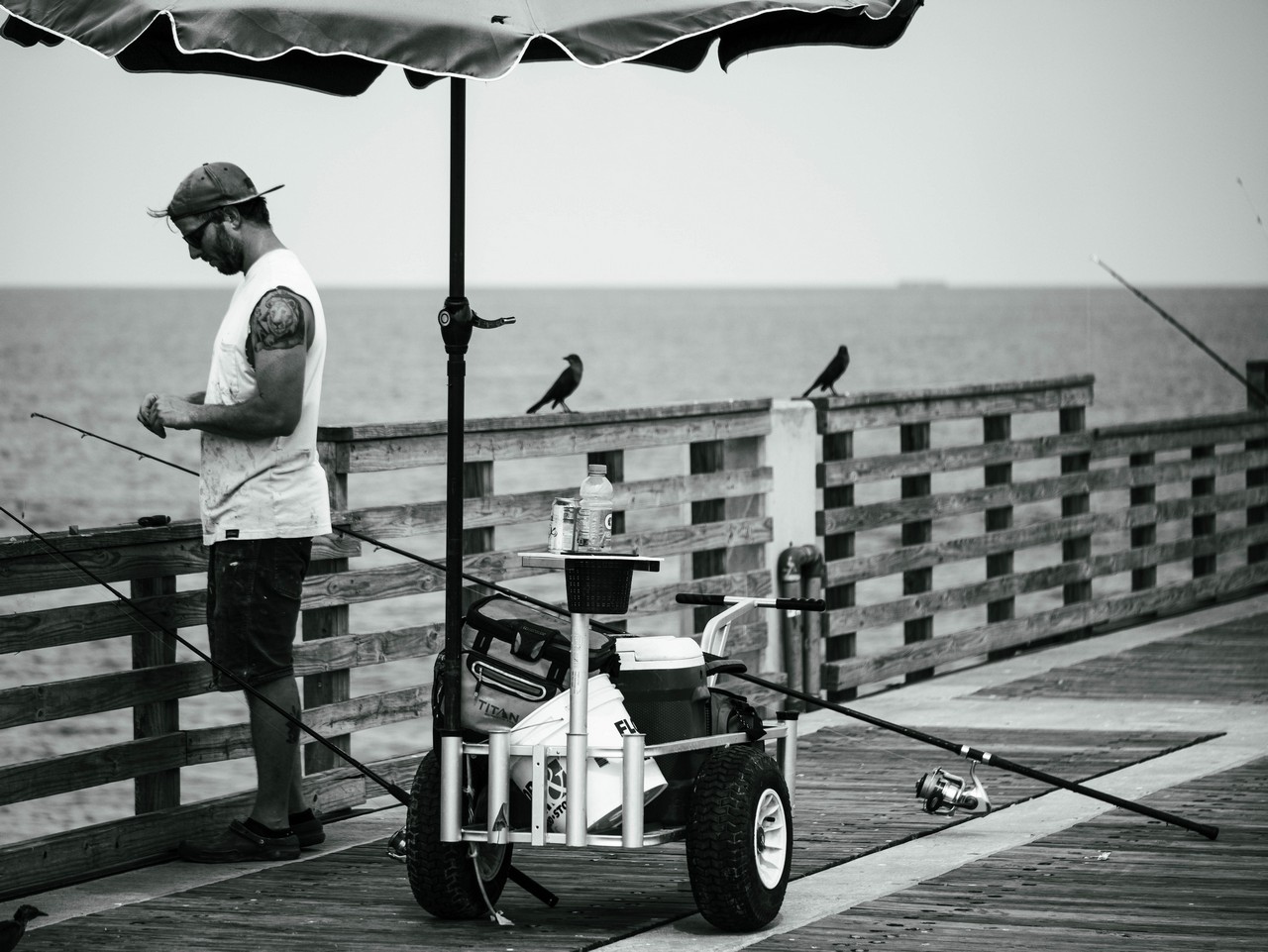
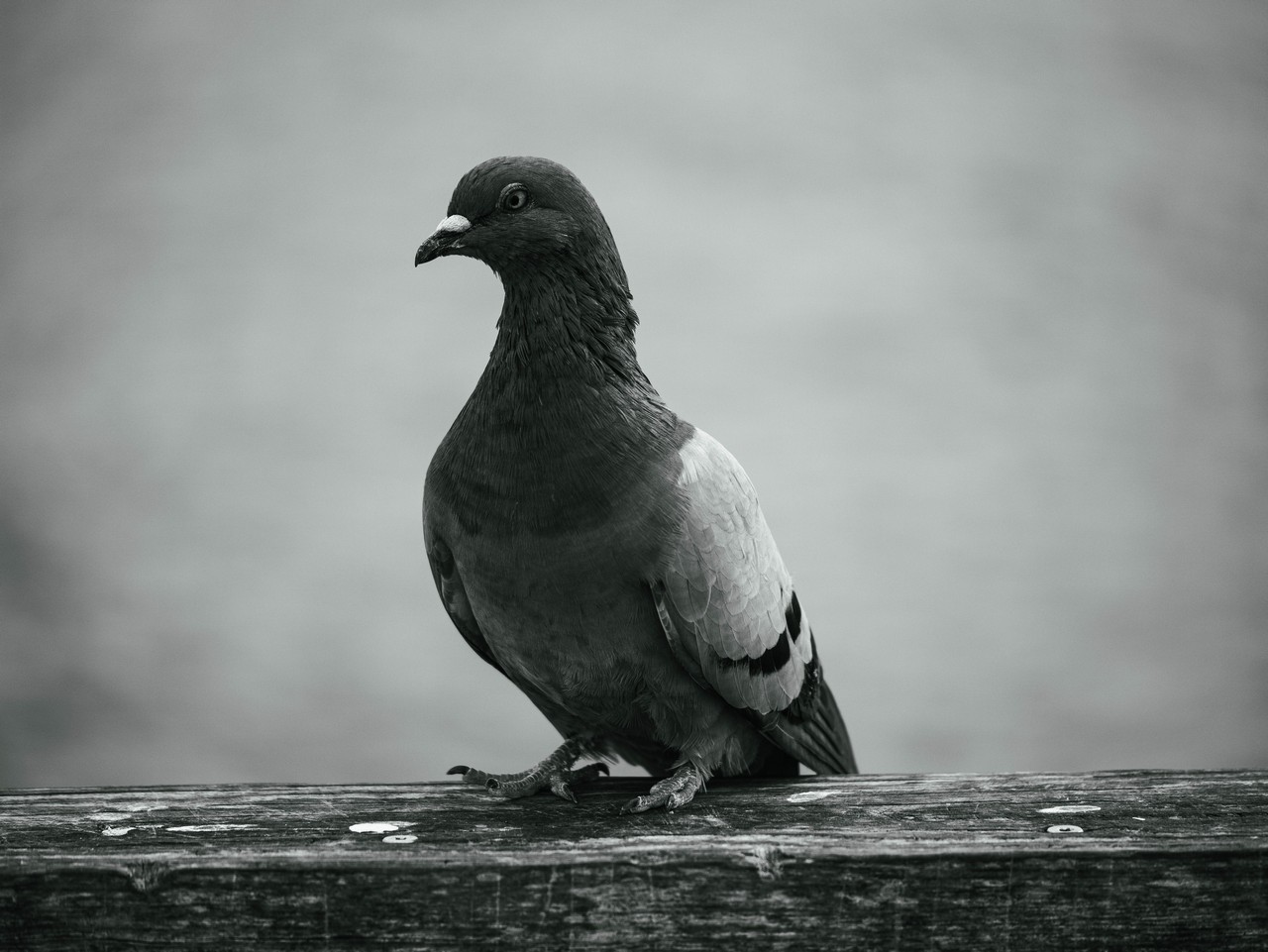
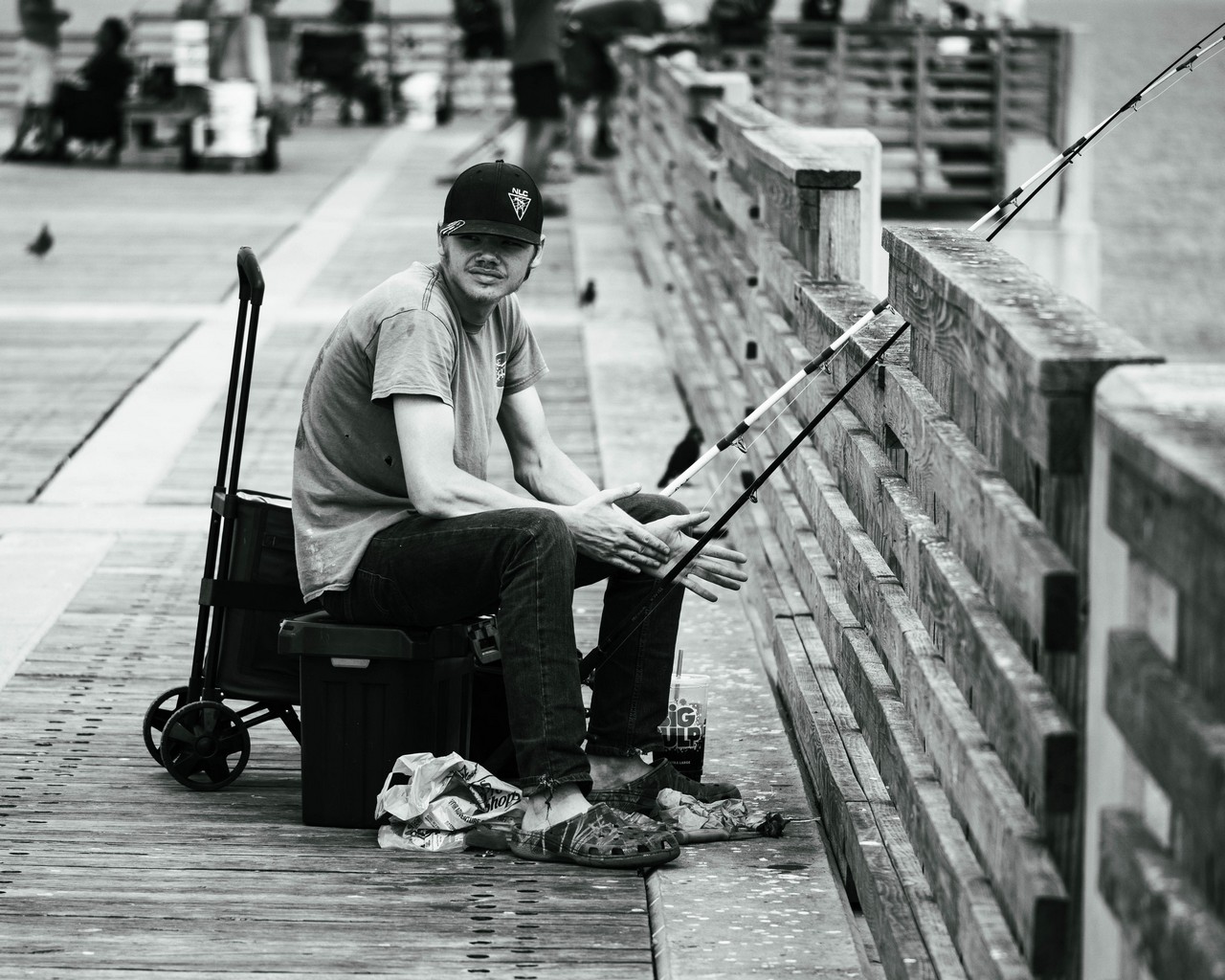
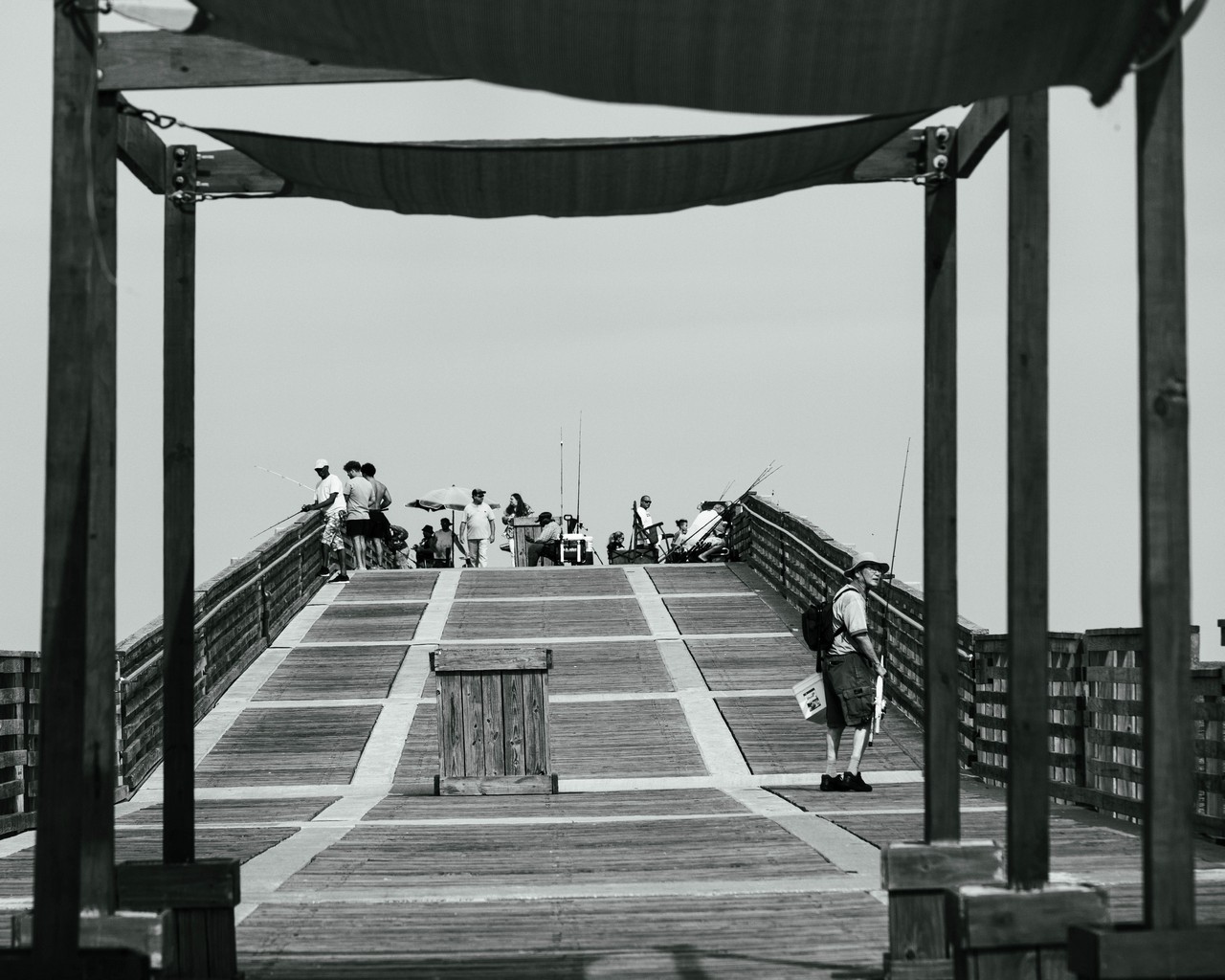
I tried out some monochrome photography day using my G9MKII with a Lumix 35-100 f/2.8 lens today. I was quite happy with the results since this was my first time trying the camera out in monochrome. One thing that was odd, is that when I imported the RAW images into LRC, they were all in color. Anyone have any idea why this happended? I had to reconvert to B&W using one of the presets.
If you want your "Filter Settings" or "Photo Style" settings to go from your camera to your importing device, as shot, you'll need to shoot in jpeg. Or RAW+jpeg if you want to have the option to process the RAW images differently.
I like these. I'm a fan of contrasty black and white. Especially mid day when the light is harsh and someplace like Jax beach pier doesn't always have an appealing color palette midday.
For your color profiles from JPG, make sure under Lightroom Preferences > Presets the RAW Defaults Global is set to "Camera Settings"
I will go through the images again and see if I can fix the highlights and shadows. Sometimes I prefer B&W depending on the subject. This ws my first time trying this.