Update: issue solved by swiping my finger from right to left on the LCD of the New A1II.
Alright folks, I received my second A1II ("New A1II"), I copied the settings from my first A1II ("Old A1II") and loaded it to New A1II.
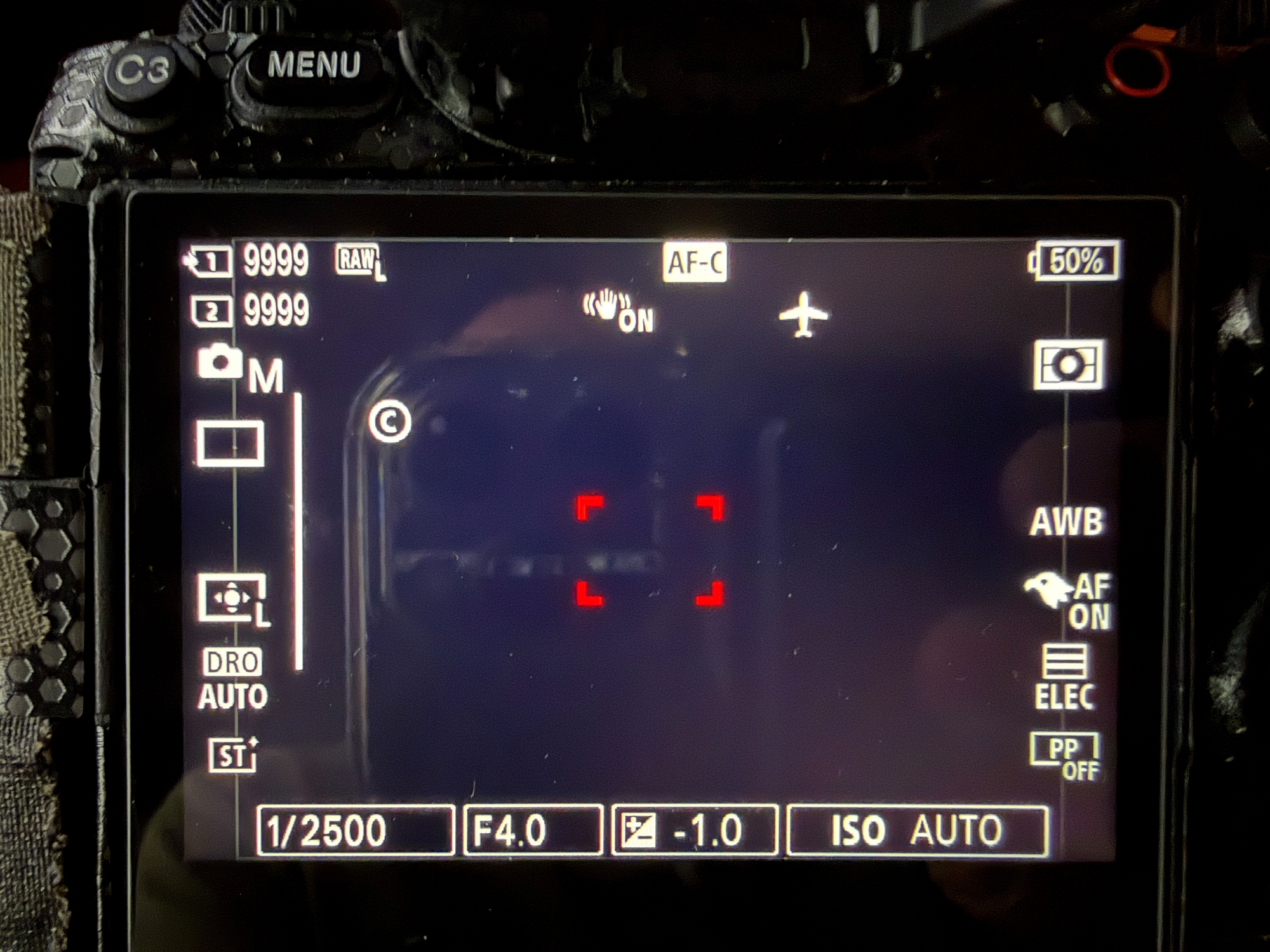
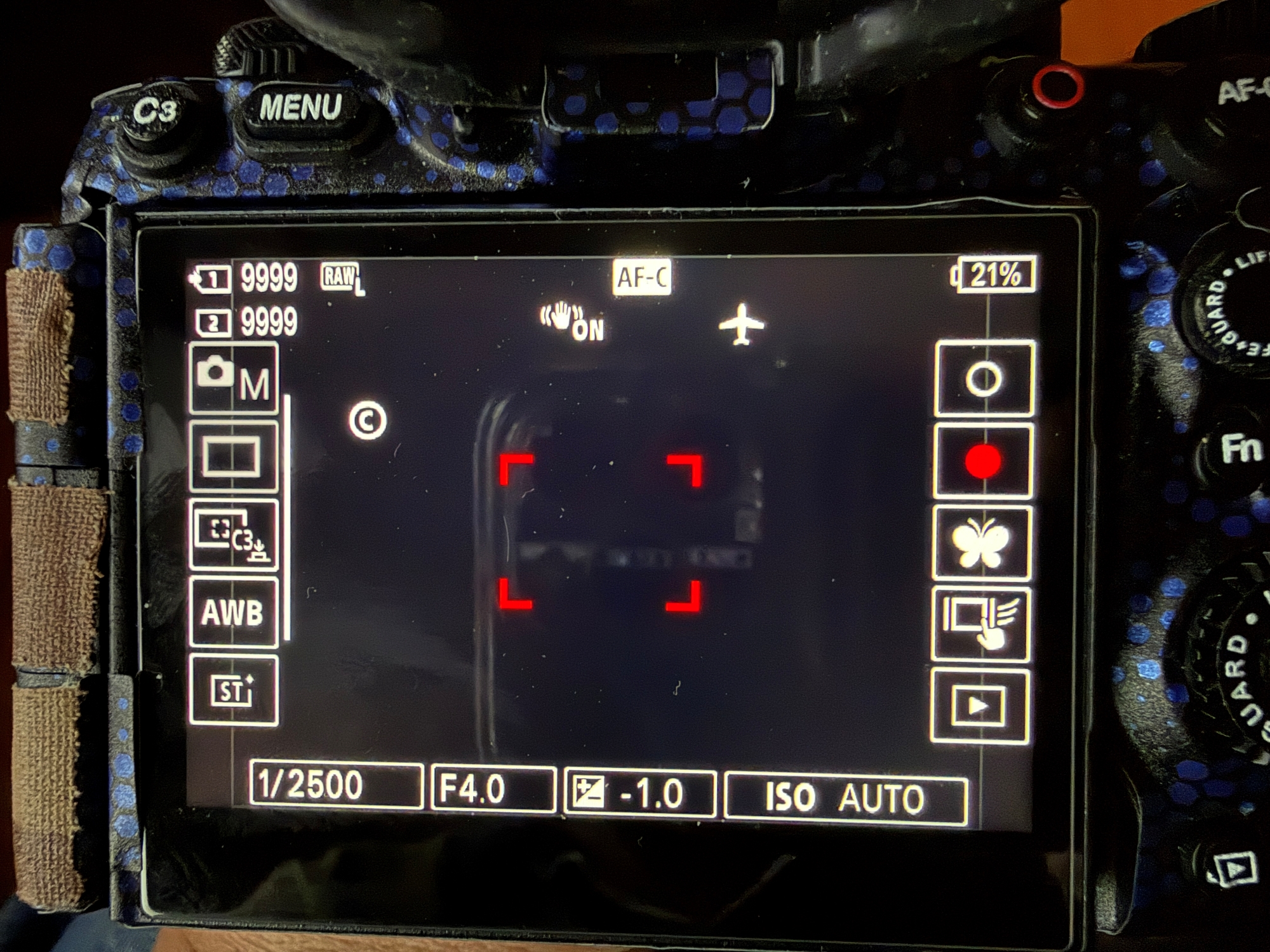
I noticed the LCD monitor display is different. The first picture is the LCD display on the NEW A1II, the second picture is LCD display on the Old A1II. They look different and function differently.
In the second picture (Old A1II), all the rectangles on the left, right and bottom can be changed by touching them, for example, I can touch the focus area icon, change the size/shape of the focus area, I can touch the record icon and start recording video.
In the first picture (New A1II), the rectangles at bottom can be changed by touching them, but the icons on the left and right CAN'T be changed by touching them, they even look different from the icons on the left and right on the Old A1II.
I cycled through all the LCD display modes by pressing the "disp" button on the dial in the back of the New A1II, couldn't see a display like the one from the Old A1II.
I put two cameras side by side, cycled through all options in the menu, they are the same, as they should be because I loaded the setting from the Old A1II to the New A1II.
LiveShots wrote:
Are they both running the same Firmware?
Yes, both are running on V.4.00. As a matter of fact, when I received the new A1II last week, I tried several times to load the setting in an SD card from the old A1II to the new one, it kept saying it could not load it, I didn't realize the new A1II was running on older FW. The FW has to be the same in order to load the settings from another A1II. So I updated the FW in the new camera, I was then able to load the setting in the SD card onto the new A1II.
Alright, I figured out how to do it now. I swiped my finger from right to left of the LCD of the new A1II, then it gave my the same "touchy" display as the second picture (the old A1II). Learned something new. I hardly use the touch screen feature. When I was trying to change the size of the customized focus area today in my Old A1II, I learned the I could touch the focus area icon on the LCD to initiate the change. I tried to do the same on the LCD of the New A1II, then realized the LCD display is different.