madNbad wrote:
That's why FM is the best of the photo forums. We can actually discuss the advantages and disadvantages of different methods without preconceived opinions.
And plastic cameras!
Nobody is as passionate about his cameras than Huss. That high end "scratch the film" camera should be worth a fortune to a particular manufacturer - just to disappear it, if for no other reason.
geekcop wrote:
I've used both a V800 and camera scanning. I've obtained good results from 35mm film from a V800. Most complain about the scans not being sharp enough. I got the best results using two steps of sharpening, once using USM in Silverfast and then a second pass using smart sharpen in Photoshop. To dial in the sharpness settings on both I've used the Vlads Calibration targets for 35mm film. For 120 film I've been pleased with my results not using USM in SIlverfast and just doing smart sharpen in Photoshop or LR after scanning. The key advantage of using camera scanning is speed of getting the shots in digital form. And yes it is a rabbit hole if you aren't careful. ...Show more →
I bought a Vlad's scanner target and found that it is nowhere near high enough resolution to use for high quality scans. That doesn't mean it is useless, but if you are trying to collect the highest possible performance out of a scanner, this isn't going to be the test target to use.
However, this may also be consistent with people using the Epson flatbed scanners for film smaller than 4x5, where the relatively poor resolution of these scanners limits them considerably. Since everyone has different needs from their images, a lot of the performance loss that these exhibit is possibly not noticeable to many users or they aren't aware that there are better options out there. Camera scanning is just about the only new option available, but the old Nikon CS 8000 and 9000 would easily beat the Epson scanners. Most of the old Imacon scanners will pretty easily as well. I've not seen the Plustek performance, so I don't know about that one, but I suspect it does as well.
My tests of older Epson scanners all topped out at about 2000-2200 lppm if I recall correctly, and my tests on the Nikon CS scanners were in the 4000 lppm range, so nearly 2x the resolution. The Nikons were nearly as good as drum scanners back then in terms of sharpness, but they still lacked on dynamic range compared to drum scanners..
Microtek used to make a flatbed that was a bit better than the Epson scanners, but they've been out of the US market for 15 or more years now, and even so, I don't think I'd be using them for 35mm or 120 film; they still lack resolution capability compared to a really well set up camera scanner setup.
If you are scanning to print 6x6 images, the Epson is going to be sufficient, but if the plan is to scan and enlarge considerably, I suggest you carefully do some scan trials before committing to that method because that wouldn't be the approach that I'd use for that application.
retrofocus wrote:
This complaint is heard often but always has the same root cause: the focus plane is misadjusted. Unfortunately Epson does not at all document this well. Intuitively the user thinks that the focus plane is directly on top of the flatbed scanner glass - but it is not! Instead the focus plane is located about 1-2 mm above the glass - the V850 comes with negative holders which have adjustable "feet" to make up for this difference. I tested it with negative scans at all possible height levels of the holder, and the results were remarkable - the middle one was spot on and sharpest. Since I get very sharp scans using my V850 - no need to additional sharpening afterwards in PP. ...Show more →
Yep. Mine is setting "4". Works like a charm. Just slower than camera scanning.
I think the reason Epson scanners (and others) were discontinued was because camera scanning is better quality and faster, and CCD sensors are now hard to source. Basically, scanners are old technology without the redeeming qualities of film or LPs. Maybe the scanners could be made with a cmos sensor, but I would guess scanner sales tailed off.
You can get a refurbished Coolscan 9000ED for about $2k USD. It's one of the best scanners ever made. If you actually want good repeatable results with a minimum of 'fuss', that's the scanner to get.
geekcop wrote:
To dial in the sharpness settings on both I've used theVlads Calibration targets for 35mm film. For 120 film I've been pleased with my results not using USM in SIlverfast and just doing smart sharpen in Photoshop or LR after scanning. The key advantage of using camera scanning is speed of getting the shots in digital form. And yes it is a rabbit hole if you aren't careful.
I agree with @geekcop - camera scanning saves a lot of time, though even today it still comes with a steep learning curve. It seems no one can fully agree on the exact procedure: what light source to use, what the best exposure is, which lens works best, or which application gives the best post-processing results. It’s rather deep rabbit hole ;-) .
I use “Vlad’s Test Targets” too, mainly to align the film holder and check lens sharpness in the corners. I am getting 62 lp/mm on 30 MP body with Sigma 70 mm macro. Overall, I think sharpness is a double-edged sword. With grainy images, excessive sharpening can create a pretty rough look. When I can, I overscan and then scale the images down to average out the grain. I think this also helps with tonal gradation. Just my 2 cents.
speedgraphic wrote:
You can get a refurbished Coolscan 9000ED for about $2k USD. It's one of the best scanners ever made. If you actually want good repeatable results with a minimum of 'fuss', that's the scanner to get.
Totally agree. I had the 9000 many moons ago when I scanned my medium format negatives. Brilliant results.
roy_scans_film wrote:
I agree with @geekcop@ - camera scanning saves a lot of time, though even today it still comes with a steep learning curve. It seems no one can fully agree on the exact procedure: what light source to use, what the best exposure is, which lens works best, or which application gives the best post-processing results. It’s rather deep rabbit hole ;-) .
I use “Vlad’s Test Targets” too, mainly to align the film holder and check lens sharpness in the corners. I am getting 62 lp/mm on 30 MP body with Sigma 70 mm macro. Overall, I think sharpness is a double-edged sword. With grainy images, excessive sharpening can create a pretty rough look. When I can, I overscan and then scale the images down to average out the grain. I think this also helps with tonal gradation. Just my 2 cents.
Does camera scanning really save time. Yes, msybe the actual scanning is quicker, but what about the post processing and the dust / scratch removal. Many scanners deliver a finished tiff upon scanning with a good job of dust and scratch removal as well as colour balance. Too boot, scanning is hands off allowing you to do other things…not so much with taking pictures of negatives.
chez wrote:
Does camera scanning really save time. Yes, msybe the actual scanning is quicker, but what about the post processing and the dust / scratch removal. Many scanners deliver a finished tiff upon scanning with a good job of dust and scratch removal as well as colour balance. Too boot, scanning is hands off allowing you to do other things…not so much with taking pictures of negatives.
Of course it does save time. With scanner you may schedule some activities to go in parallel with scanning, but it's not truly productive time. You have to switch film holder every few minutes or half an hour - so its illusion you can do something productive in parallel - at best you can peel potatoes or doomscroll on your phone. True, you have to nail down your postprocessing routine, you have to clean your film carefully beforehand, but once mechanical part of process is done you can be flexible when and which pictures you want to process for best look. Proper batch post-processing of well exposed and developed film brings your output very close to its final state, many times faster than the classic scanner. I much prefer fast scanning with camera where i put around my films, scan them, and stow them away in matter of minutes - instead of having all rolls and strips sitting on the desk for hours waiting their turn. Real scanner exercise is always few hours no matter what - with workspace clattered with rolls and sleeves so no other meaningful stuff can be done. Or maybe its just me .
retrofocus wrote:
This complaint is heard often but always has the same root cause: the focus plane is misadjusted. Unfortunately Epson does not at all document this well. Intuitively the user thinks that the focus plane is directly on top of the flatbed scanner glass - but it is not! Instead the focus plane is located about 1-2 mm above the glass - the V850 comes with negative holders which have adjustable "feet" to make up for this difference. I tested it with negative scans at all possible height levels of the holder, and the results were remarkable - the middle one was spot on and sharpest. Since I get very sharp scans using my V850 - no need to additional sharpening afterwards in PP. ...Show more →
Just a quick fyi - Epson negative carriers come with height adjustment built in. People might want to try them before buying expense aftermarket versions. After testing my V700 - the factory height was the best. The +0.5mm up and -0.5mm down adjustment was softer.
If you are scanning b&w negatives (or prints, I suppose as well), I did testing with Epson scanners 20 years ago and there was no question that the G channel of the scan was much sharper than the R or the B on every flatbed scanner I made the comparison on. I suspect this applies today still because of the way that the sensor arrays for scanners are made, so I strongly recommend trying this by scanning them in full RGB color mode (and don't concern yourself with any color balance other than to get it generally neutral, but actually a RAW scan would possibly be best for other reasons). Then, bring it into Photoshop and separate the channels and compare them. G will be the sharpest, almost certainly.
Take that channel and drop the other two and save it as a B&W single channel file so it is relatively small. Now, you have a better starting point for you B&W image work. You can convert it back to a color (3 channel file) if you want so you can do toning, etc., but you will have eliminated some of the softness inherent in flatbed scanners by doing so.
But don't take my word for it; test it to confirm, because if they have changed something in how they make the sensor arrays, it could possibly be a different channel (but I'd place money on it still being the G channel).
roy_scans_film wrote:
Of course it does save time. With scanner you may schedule some activities to go in parallel with scanning, but it's not truly productive time. You have to switch film holder every few minutes or half an hour - so its illusion you can do something productive in parallel - at best you can peel potatoes or doomscroll on your phone. True, you have to nail down your postprocessing routine, you have to clean your film carefully beforehand, but once mechanical part of process is done you can be flexible when and which pictures you want to process for best look. Proper batch post-processing of well exposed and developed film brings your output very close to its final state, many times faster than the classic scanner. I much prefer fast scanning with camera where i put around my films, scan them, and stow them away in matter of minutes - instead of having all rolls and strips sitting on the desk for hours waiting their turn. Real scanner exercise is always few hours no matter what - with workspace clattered with rolls and sleeves so no other meaningful stuff can be done. Or maybe its just me .
I actually processed my images as others were being scanned…so yes very productive time. What is dead time is meticulously taking pictures of negatives then going through processing and dust removal just to get to an image that you can actually look at processing it. Nothing creative during that entire time.
mjm6 wrote:
If you are scanning b&w negatives (or prints, I suppose as well), I did testing with Epson scanners 20 years ago and there was no question that the G channel of the scan was much sharper than the R or the B on every flatbed scanner I made the comparison on. I suspect this applies today still because of the way that the sensor arrays for scanners are made, so I strongly recommend trying this by scanning them in full RGB color mode (and don't concern yourself with any color balance other than to get it generally neutral, but actually a RAW scan would possibly be best for other reasons). Then, bring it into Photoshop and separate the channels and compare them. G will be the sharpest, almost certainly.
Take that channel and drop the other two and save it as a B&W single channel file so it is relatively small. Now, you have a better starting point for you B&W image work. You can convert it back to a color (3 channel file) if you want so you can do toning, etc., but you will have eliminated some of the softness inherent in flatbed scanners by doing so.
But don't take my word for it; test it to confirm, because if they have changed something in how they make the sensor arrays, it could possibly be a different channel (but I'd place money on it still being the G channel)....Show more →
Agreed that everyone should test this. I read somewhere that Blue is better, tested it, and confirmed it, though Green was not that much worse. Red is certainly trash.
samuelphoto wrote:
Camera scanning isn’t something I’ve considered. My only high res digital camera is a Q3 43. Not interested in investing thousands more just to get scans. It also seems time consuming. The last rolls I sent off came back terrible. This is turning into a rabbit hole and I can’t see the bottom.
You are looking for an Easy Button but unfortunately it does not exist. This may be hard to hear, but easy film scanning is not a solved problem. Here are your options:
Labs
Easy. Expensive. Shitty quality. Well... unless you're willing to pay $20+ per frame (not roll, just one frame). Nearly all labs use old Noritsu or Fuji scanners in full-auto mode, because for $4-7 per roll they can't afford to manually color-grade each shot unless you're willing to spend those $20+. When you see people sharing an overly grainy image with greenish shadows, orange skin, and blown highlights, that's a lab scan. A lot of normies look at that and think that's true film colors and claim to like it.
Dedicated film scanner
You'll be pulling your hair out. Slow and annoying. Modern Plustek scanners are just OK for 35mm and utter garbage for 120. Ancient Nikon Coolscans or Minoltas are better but hard to find, are on their last legs, and have software compatibility problems. There's also Epson with their flatbed scanners. Same problem as Plustek but the format is reversed: just OK for 120 and utter garbage for 35mm. For the purists, there are luxury options: fully restored pro-scanners (Creo or Imacon) or even drum scanners. That's $7-15K and they weight like a small refrigerator. Call Michael at https://www.scansolutionsonline.com/ for that. For all of them you must invest substantial amount of time to learn how to edit their default output, otherwise you'll get the same auto-graded shit as the labs produce.
Camera scanning
Extremely flexible in terms of hardware cost to quality ratio. You can build a $200 rig to get shit results, or a $5K+ rig to get results rivalling professional drum scans, with lots of options in-between. Serious film shooters have a permanently assembled scanning setup with a copy stand tethered to a workstation, ready to go. There are luxury options for $55K+ from C1. Very fast scaning workflow. But you have to understand the basics of the underlying science of analog color management, and also be quite good at digital image editing especially color grading. There are software options that offer full automation, like Negative Lab Pro (NLP) that deliver... a slight improvement compared to the auto-shit from labs, but at least you get an option to manually tweak the results.
There are lots of important details I am omitting here for brevity, like dust management, film flatness, back light quality, or floor stability (a heavy truck passing by your house can drop your scanning DPI by half)
Welcome to the rabbit hole!
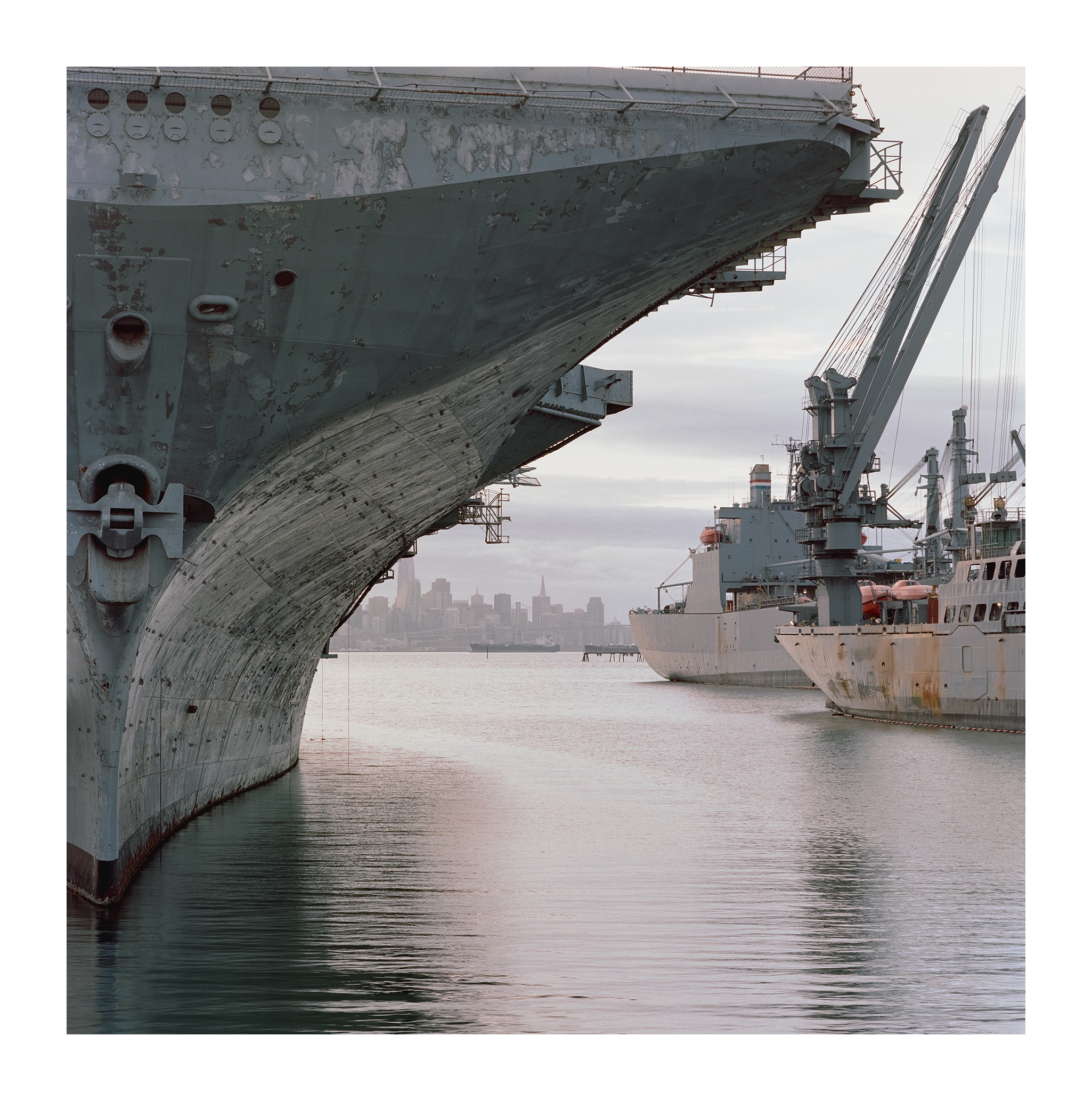
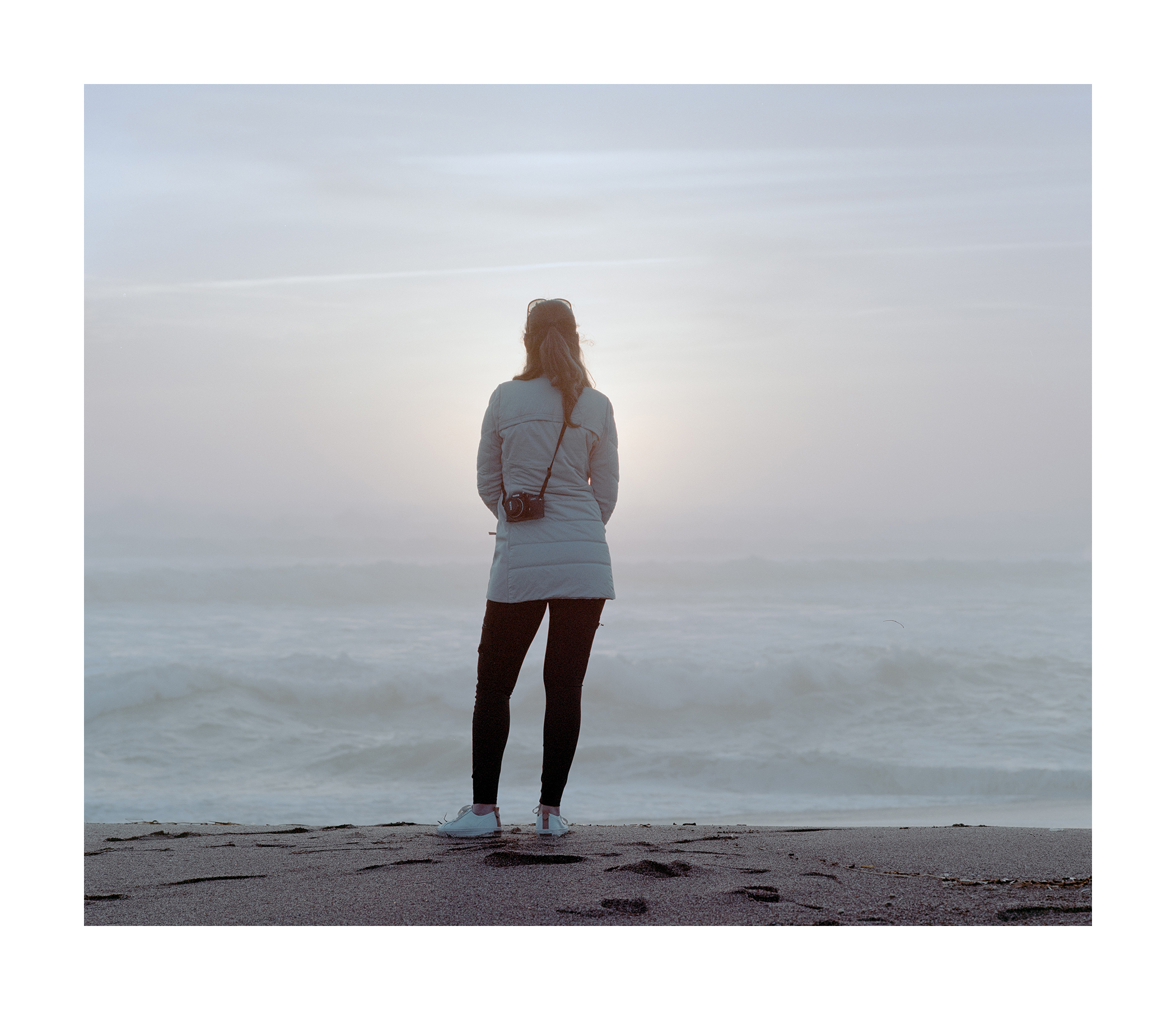
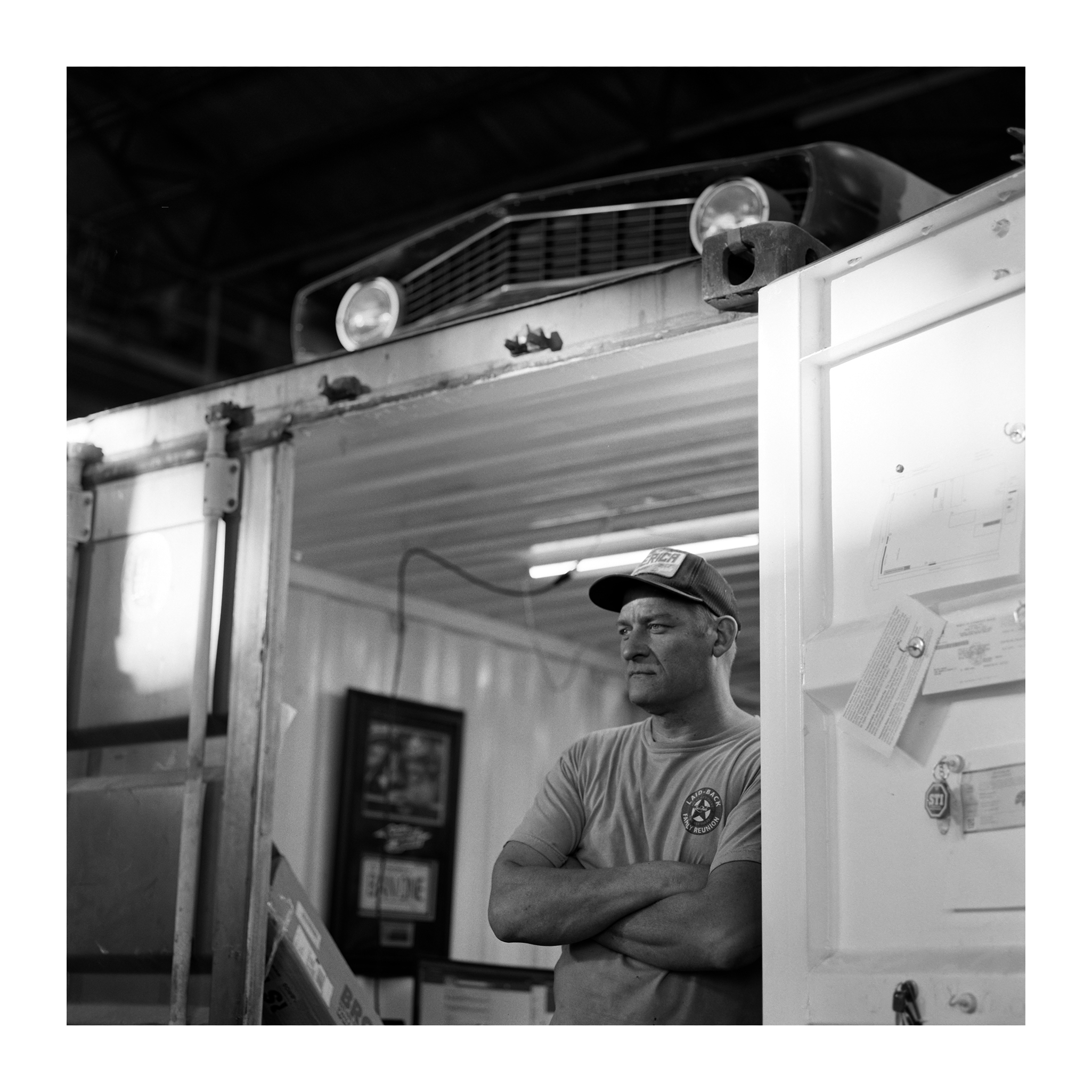
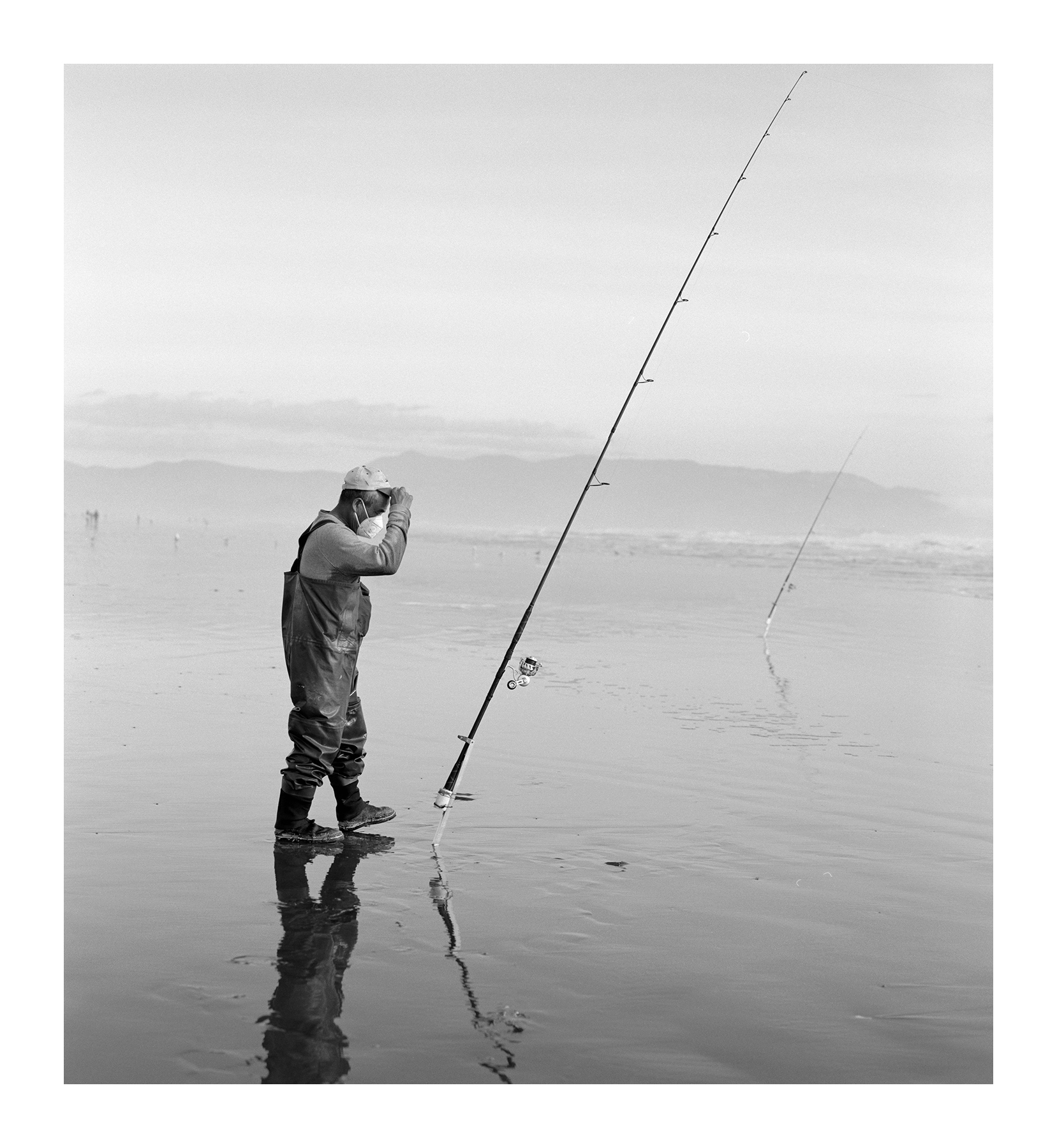
Some scaning samples using the Sony A7RV and Sigma 105mm macro lens, manually color-inverted:
Wow, Gregg, that was most helpful, thanks for going the extra mile+ to help me out. I used to have a very nice copy stand but I have no idea what happened to it. So B&H has all this dedicated camera scanning gear by a company called Negative Supply. I’ve read in places that it’s maybe no so well made. Do you have an opinion? Any other sources you can recommend?
samuelphoto wrote:
Wow, Gregg, that was most helpful, thanks for going the extra mile+ to help me out. I used to have a very nice copy stand but I have no idea what happened to it. So B&H has all this dedicated camera scanning gear by a company called Negative Supply. I’ve read in places that it’s maybe no so well made. Do you have an opinion? Any other sources you can recommend?
Your scans look fantastic by the way.
If you have questions about Negative Supply, I have answers. I've been using their stuff since the Kickstarter days and have first hand knowledge of what works well. They have the Basic line which is 3D printed and you advance the film by pulling it through the carrier. I don't use a lot of 120 so the Basic Carrier 120 works well for me.
For 135, I use their Pro Carrier. It's solidily built, the advance wheel pulls the film through smoothly and keeps it flat.
Their stuff is well built and can be expensive. If you have questions, I'll do my best to answer them.
samuelphoto wrote:
So B&H has all this dedicated camera scanning gear by a company called Negative Supply. I’ve read in places that it’s maybe no so well made. Do you have an opinion? Any other sources you can recommend?
Your scans look fantastic by the way.
Thank you. Regarding Negative Supply, I agree with @madNbad. Their stuff is great, the best I've tried, but also on the expensive side. I cannot recommend anything else.
Our most frequent poster, @Desmolicious, uses a Nikon Z series camera, a 60 macro and a ES-2 film carrier that attaches to the front of the lens for his 35mm scans.