p.95 #9 · Fuji GFX Image Thread - all cameras and lenses
tsdevine wrote:
Thanks Dan, you called it. Yes, was there this past Sunday. Couldn't find time to take a day off work, so it was pretty crowded. And breezy too.
But patience always pays off, still a gorgeous day and some good shots bring back from the short trip.
I LOVE Longwood Tim!
My mother and her family grew up just down the road in Kennett Square.
Glad the day was fruitful Tim!
Again sweet looking tulips...
Dan
p.95 #15 · Fuji GFX Image Thread - all cameras and lenses
ruthenium wrote:
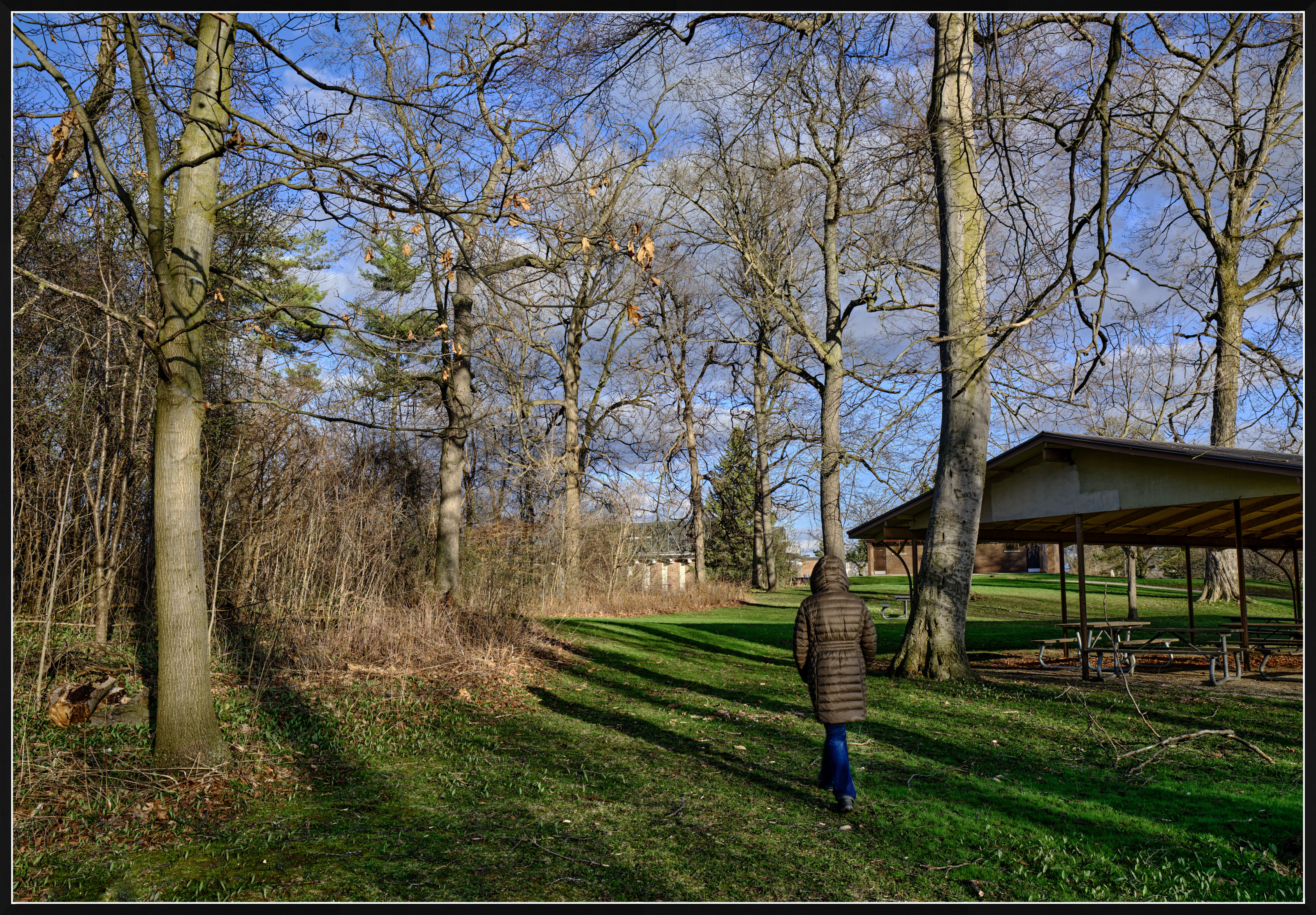
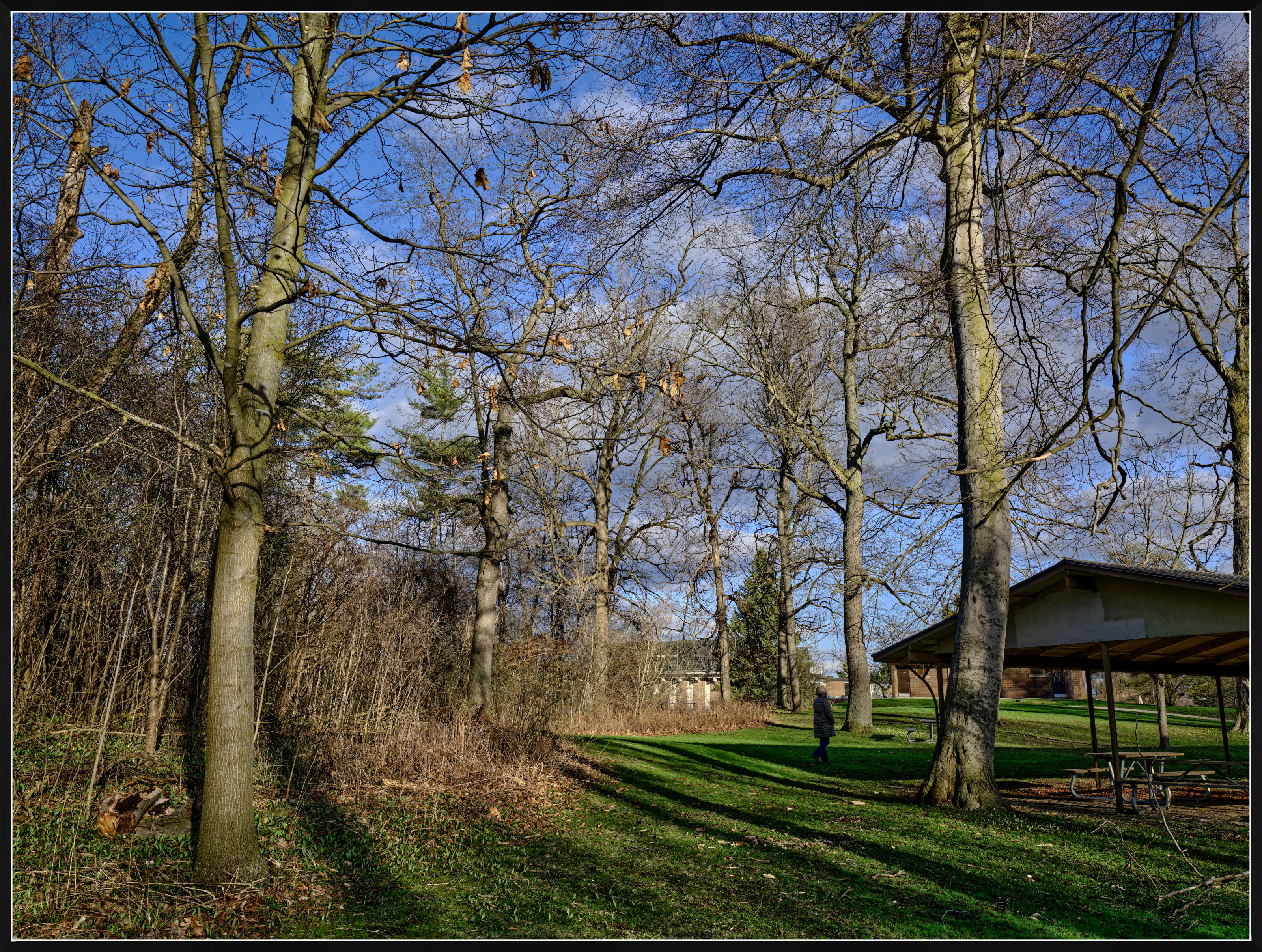
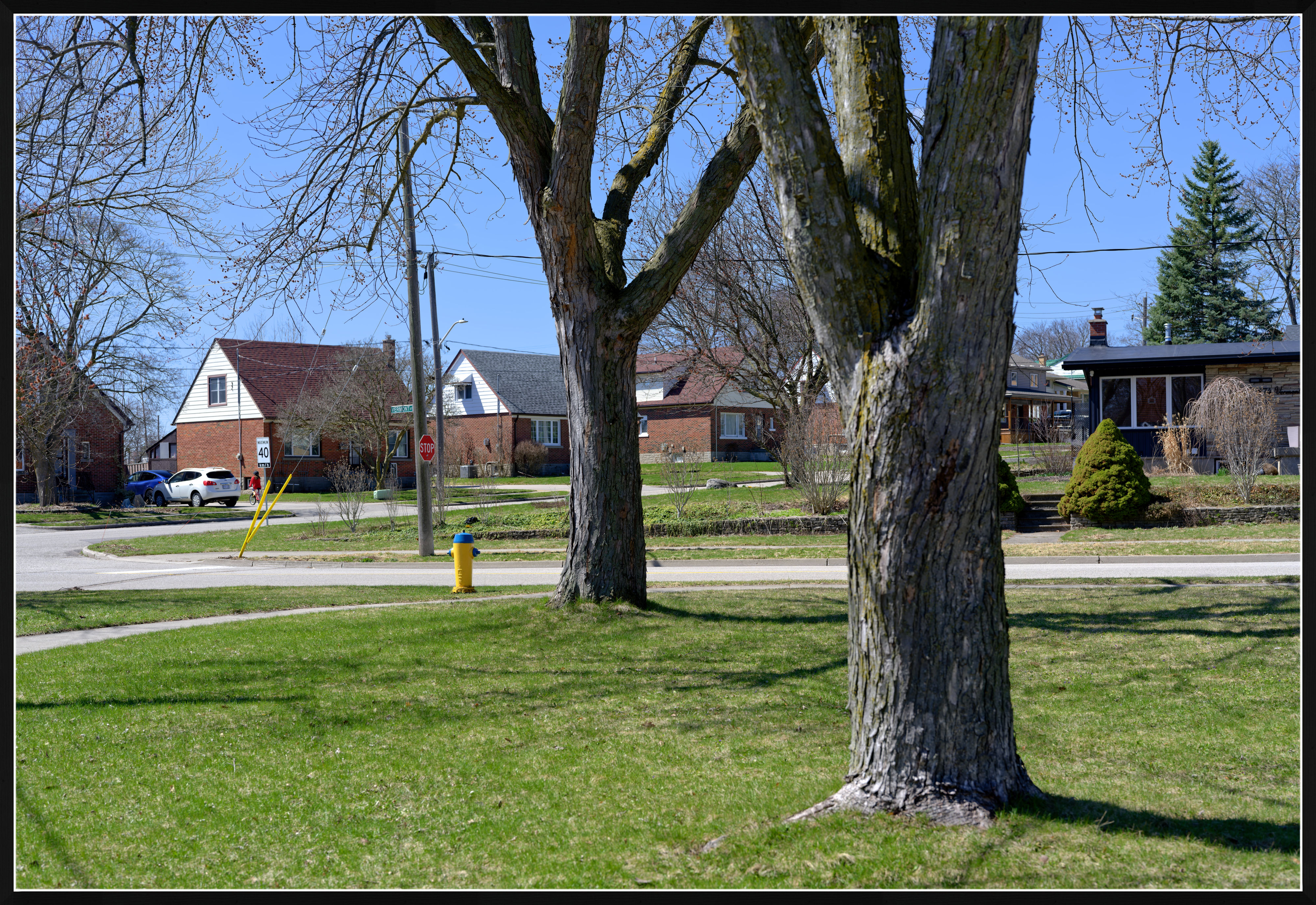
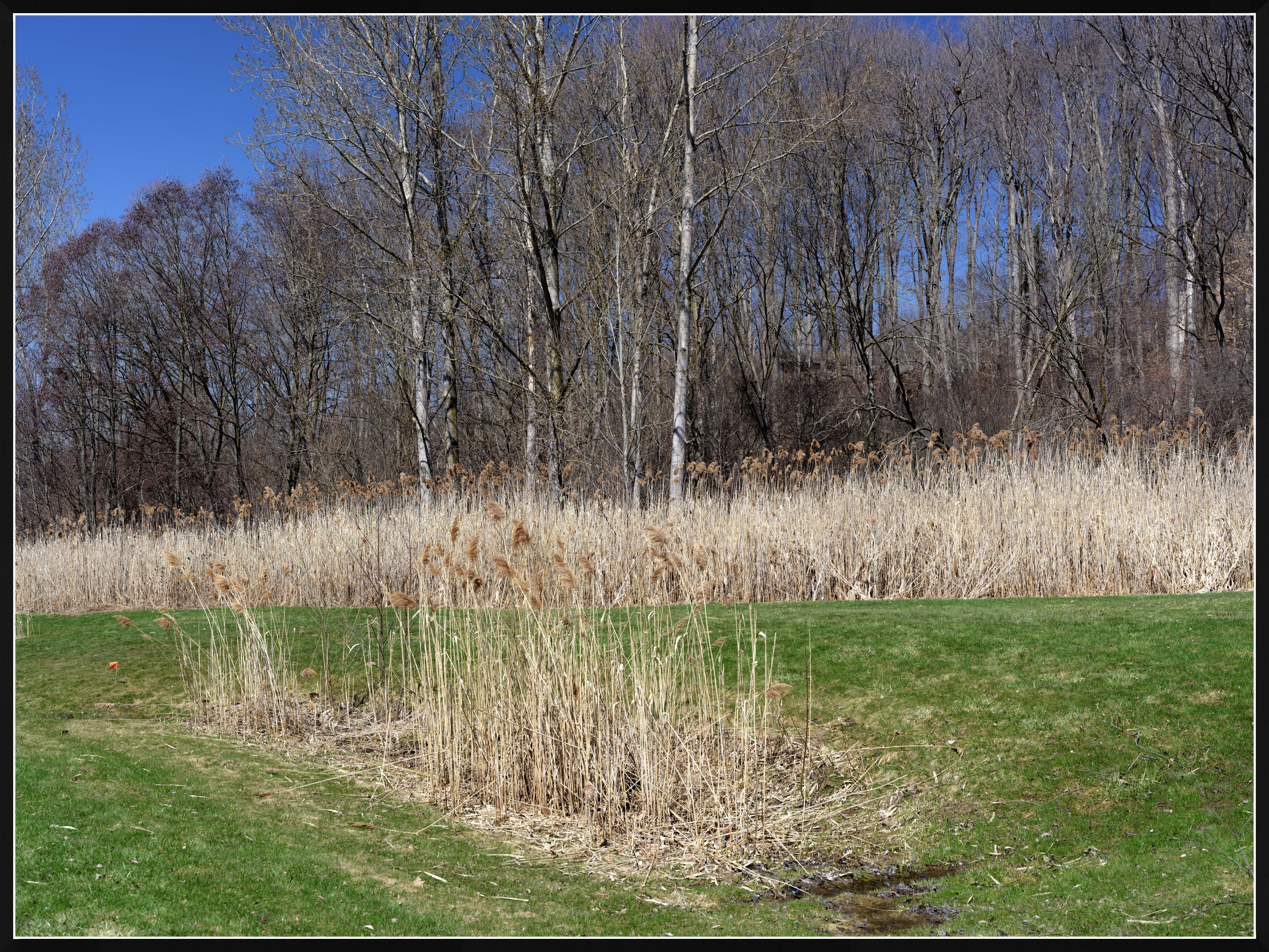
Early Spring in Ontario
Nice colours!
Just a few questions about those colours.
Do you shoot Raw? Use any of the Fuji colour profiles in pp? If so, which one (looks like PROVIA/Standard)?
I use DXO PL as editing software.
Thank you!
p.95 #16 · Fuji GFX Image Thread - all cameras and lenses
Mujabad123 wrote:
Nice colours!
Just a few questions about those colours.
Do you shoot Raw? Use any of the Fuji colour profiles in pp? If so, which one (looks like PROVIA/Standard)?
I use DXO PL as editing software.
Thank you!
These were processed from raw in Capture One using the Velvia profile. The corrections were minimal and trivial. The corrected photos were exported as 16-bit TIFF and further small correction were done in Photolab 9. The principal was a linear curve, also fine contrast at 10. Capture One also has the linear curve but somehow it doesn't work in my hands as well as it works for me in PL9. One objective in processing the raw files was to retain sufficient contrast, to enhance the shadows.
It is typical for me to use both Capture One and DxO Photolab 9. I spent much time comparing the results and while I
can often get good results from Photolab, practically every time Capture One gives me processed images from the same raw files that I like better. Thus, in my use, I normally do most processing in Capture One, then some minor touches are done in Photolab 9 where I like several tools and masking options that have no direct equivalents in Capture One. The final jpegs are exported from Photolab.
Photolab has Velvia profile for the GFX100S II, and it isn’t bad, but I tend to like the Velvia profile in Capture One better.
p.95 #18 · Fuji GFX Image Thread - all cameras and lenses
Mujabad123 wrote:
Thank you!
As related to colors, I should add that the white balance in camera was set to Daylight, and it wasn't corrected in post. Also, I didn't make adjustments to saturation or vibrance.
p.95 #19 · Fuji GFX Image Thread - all cameras and lenses
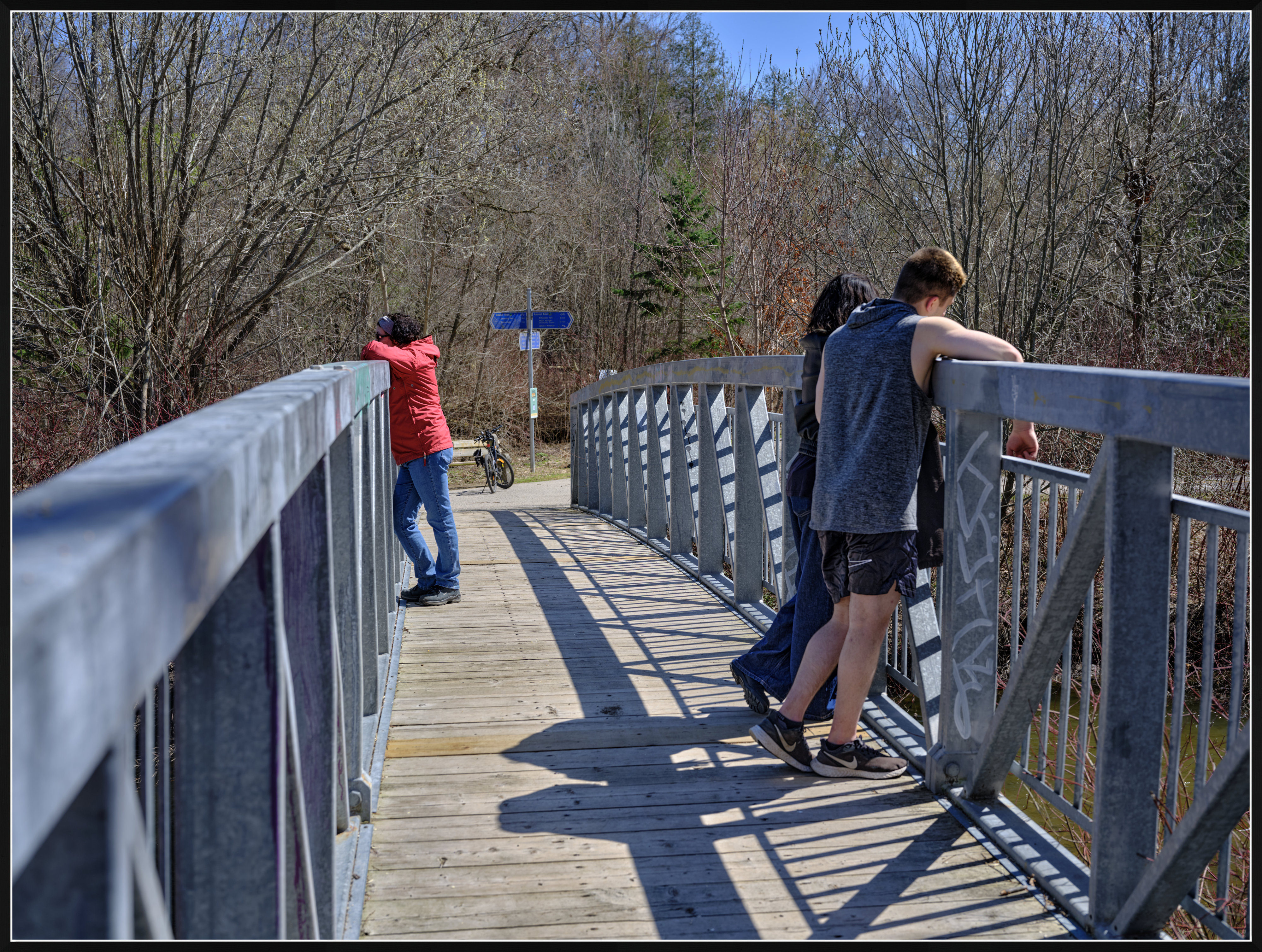
Thnxs again. I especially like the blue from the sky. The trousers of the person seem a bit too saturated. The grass maybe a bit too much/harsh (maybe typical Velvia a bit overdone).
I set my white balance almost always to auto. Shooting raw. Always.
p.95 #20 · Fuji GFX Image Thread - all cameras and lenses
Mujabad123 wrote:
Thnxs again. I especially like the blue from the sky. The trousers of the person seem a bit too saturated. The grass maybe a bit too much/harsh (maybe typical Velvia a bit overdone).
I set my white balance almost always to auto. Shooting raw. Always.
I agree about the jeans; however, this effect isn't typical.
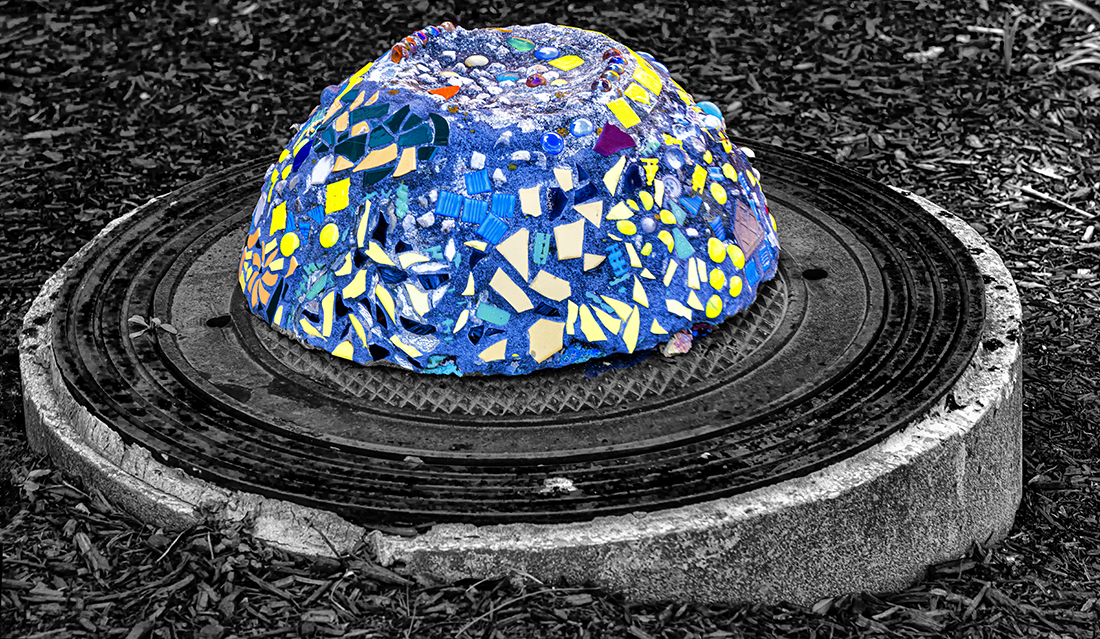
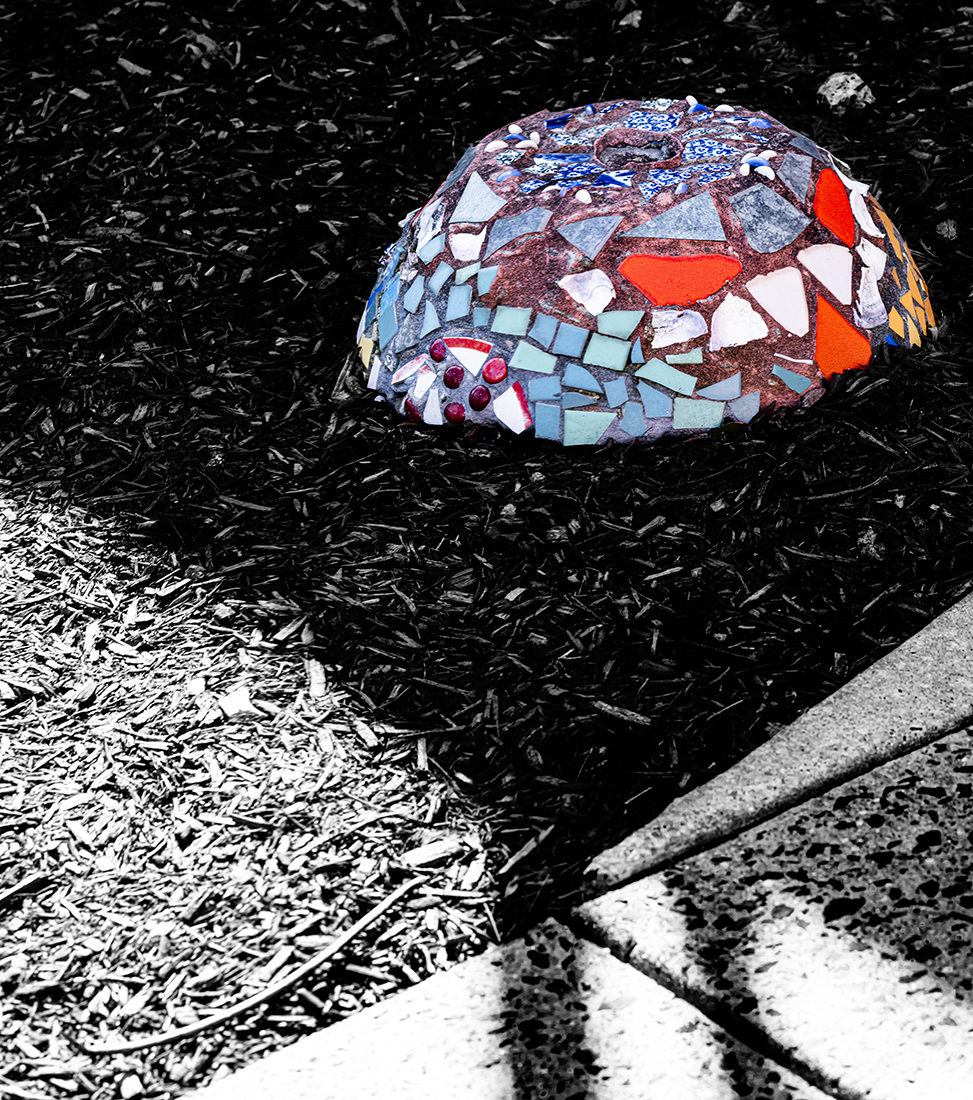
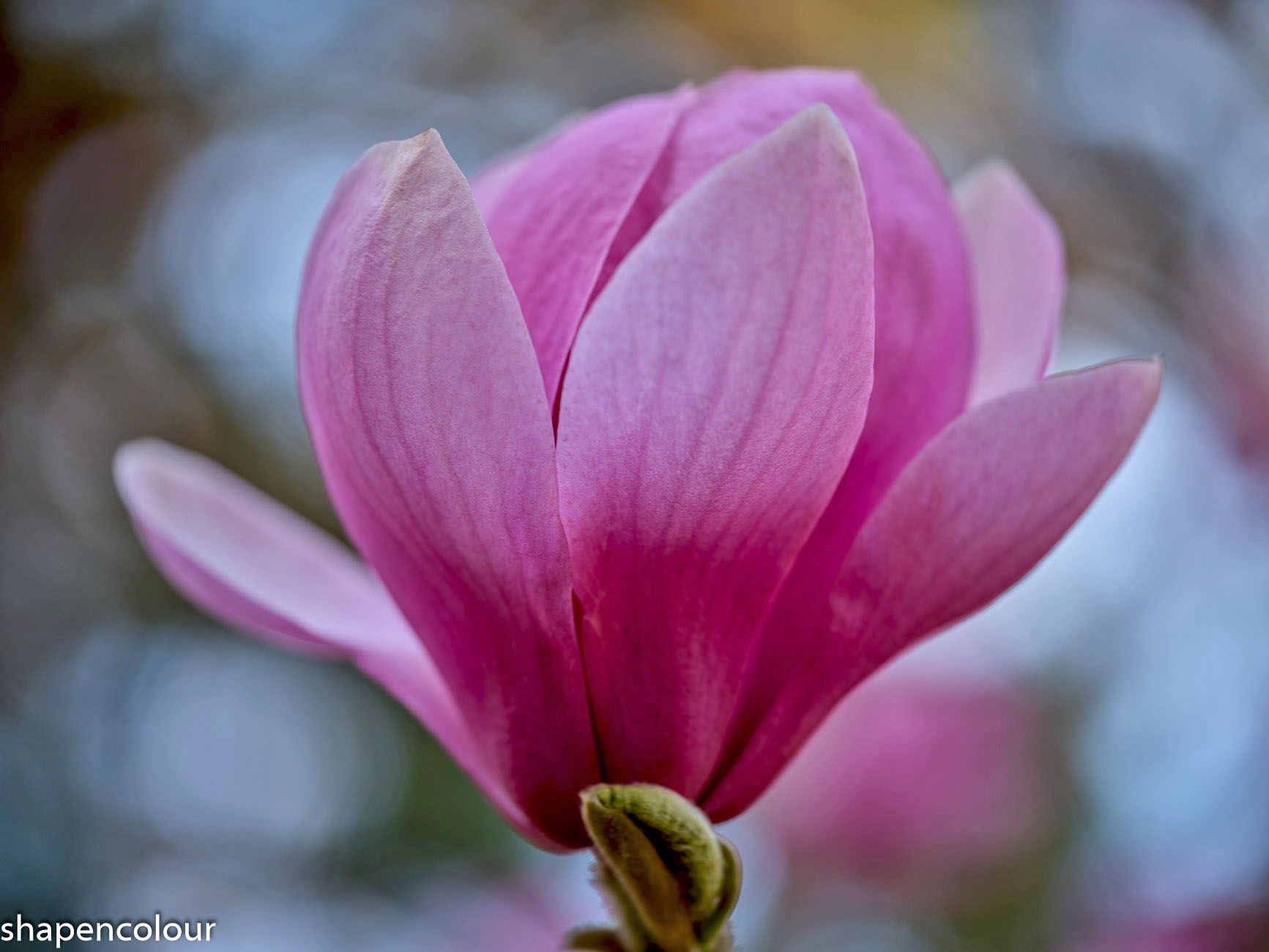
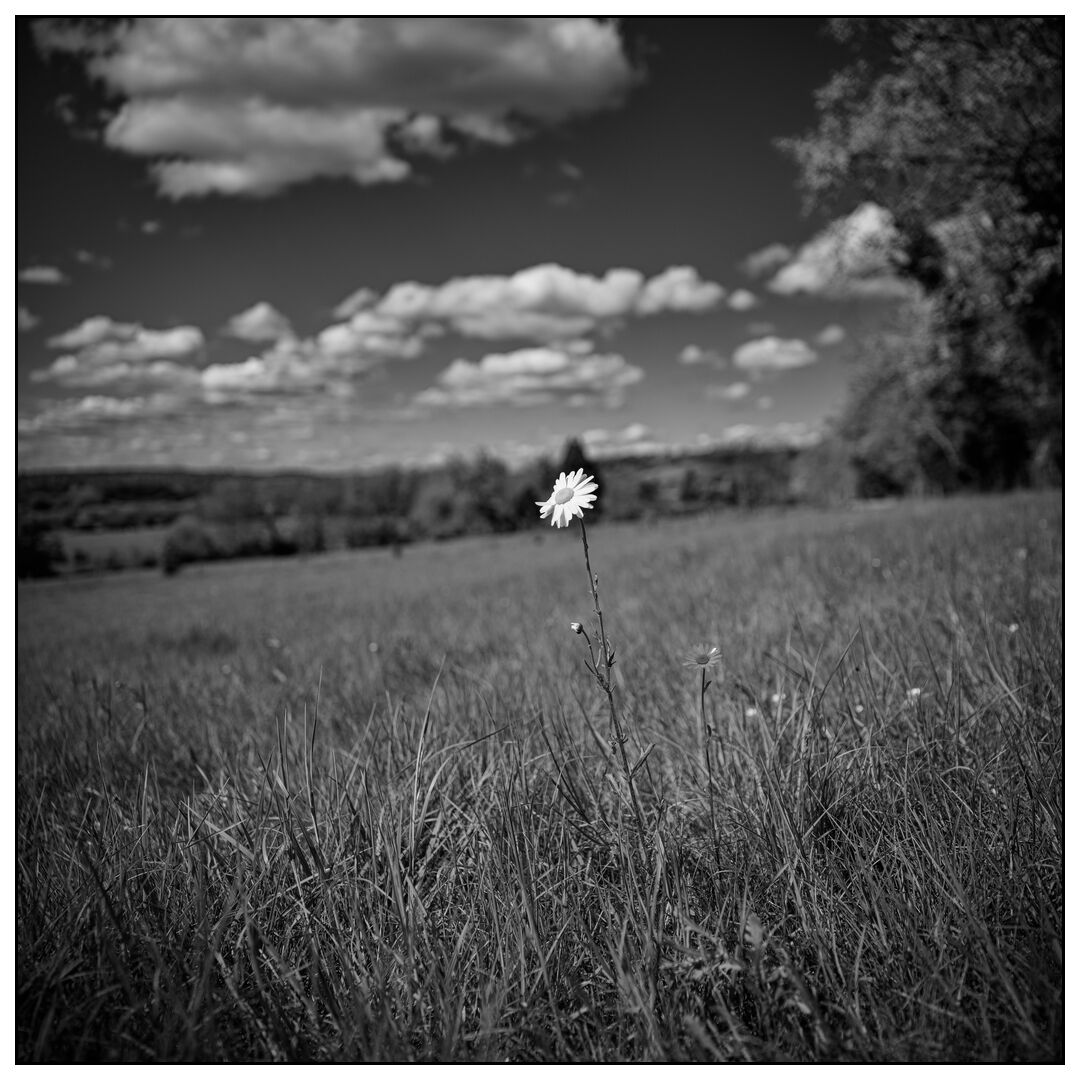
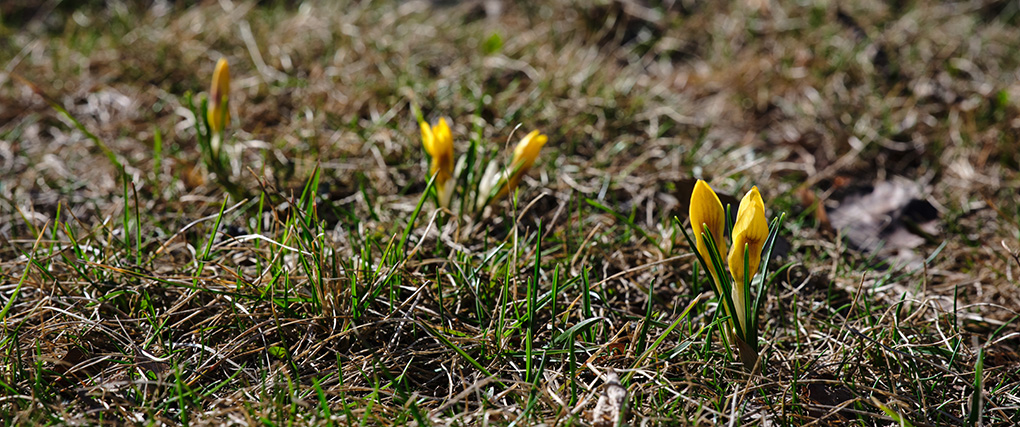
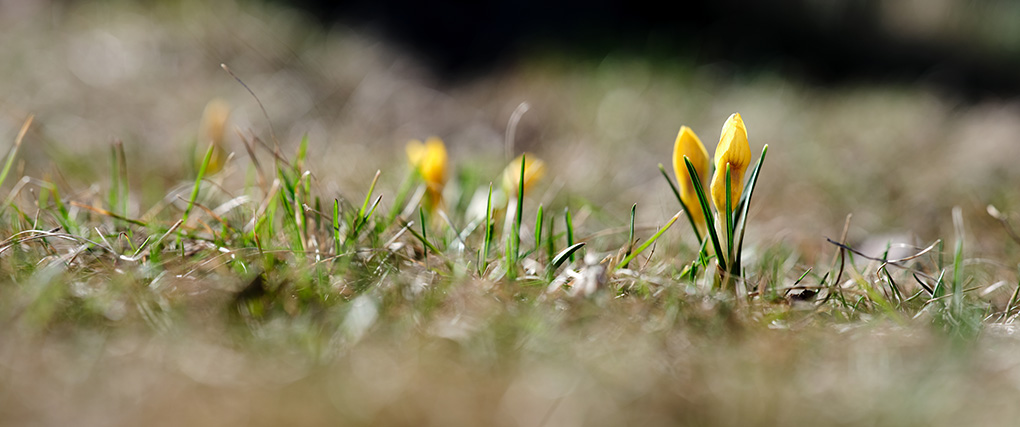
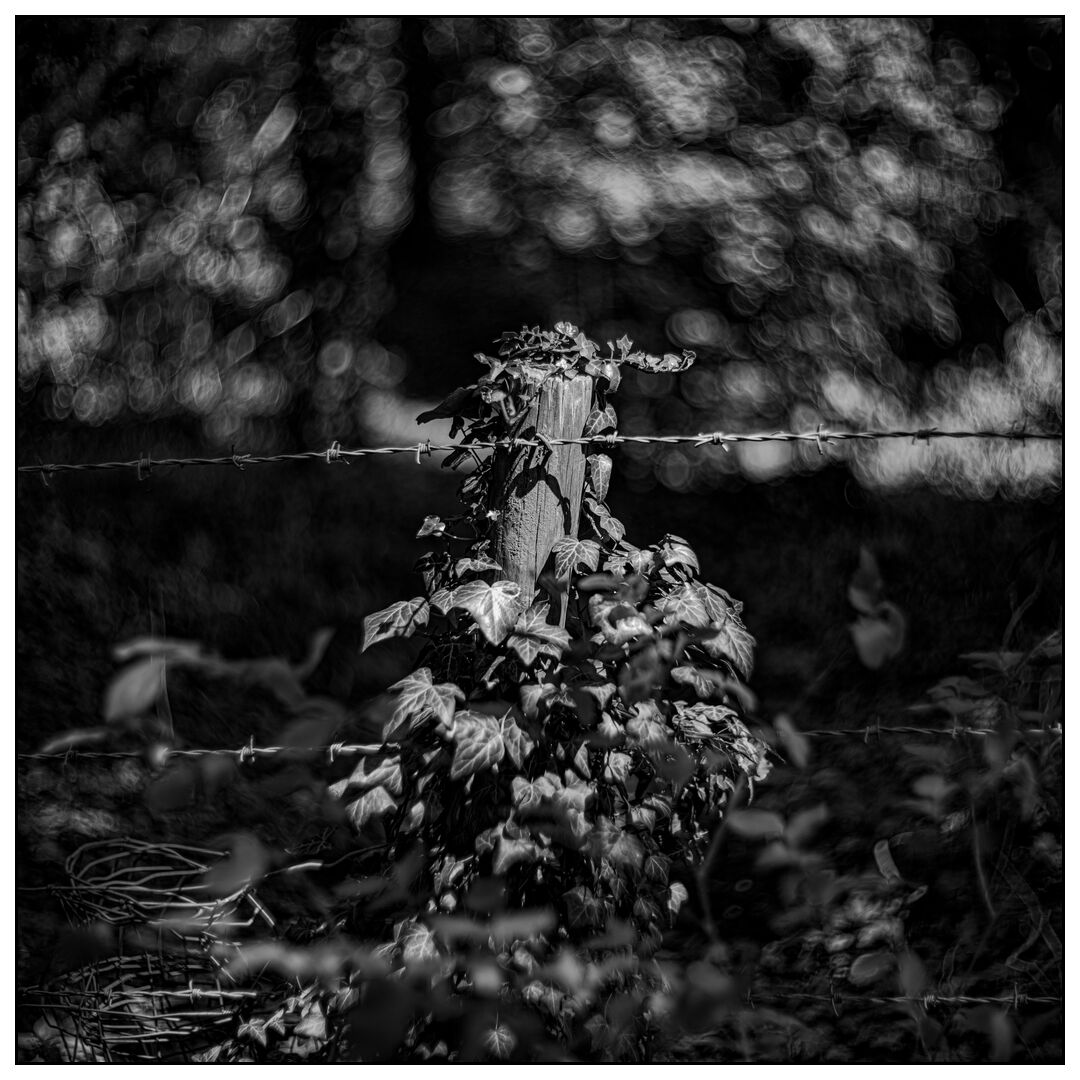
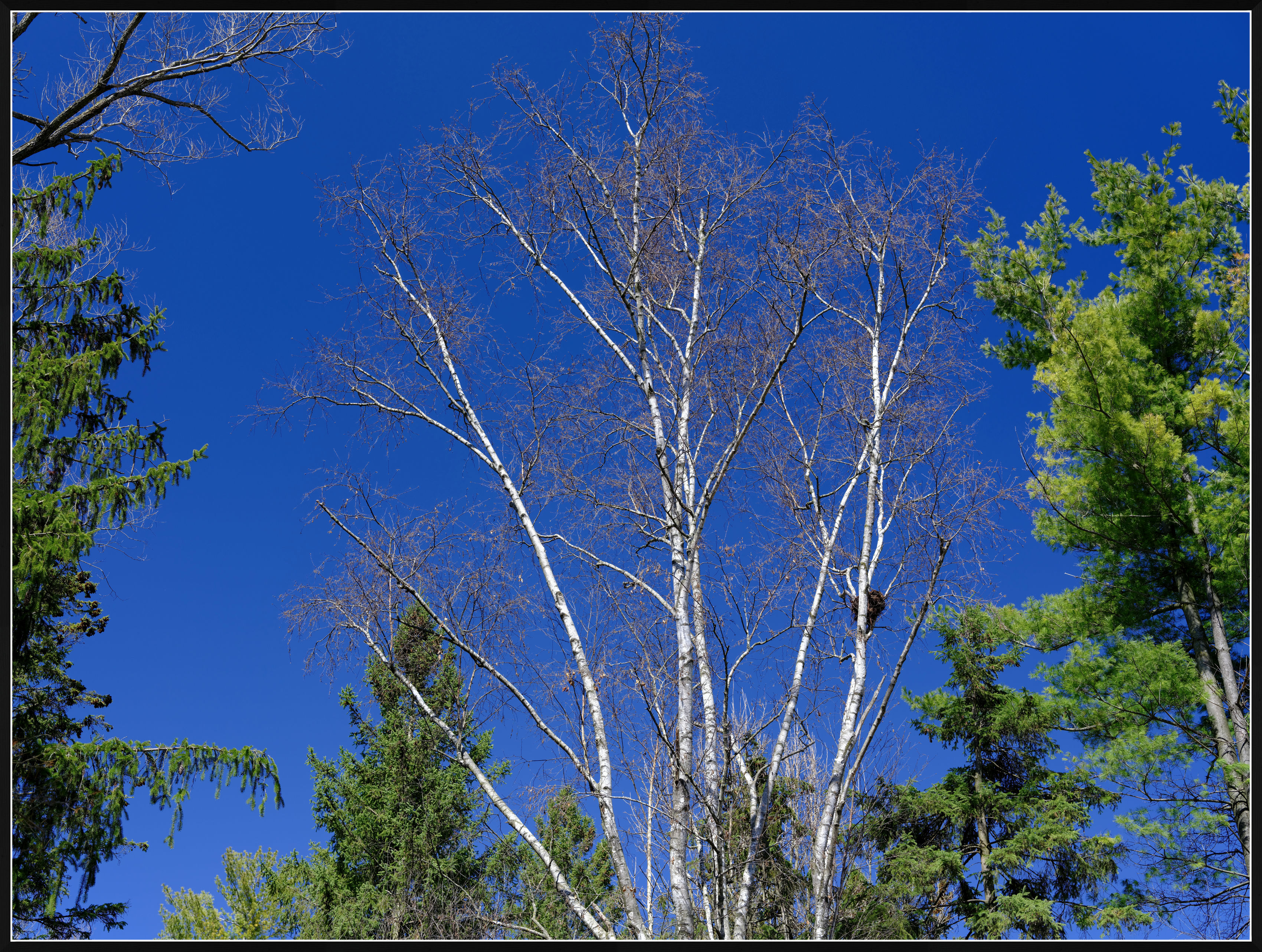
The blue can vary. I uploaded three examples (all Velvia from Capture One)
These examples also show the greens.
The greens I find most challenging. This is partly because the greens are so different in nature. Sometimes more yellowish. Sometimes more brilliant, such as the spring greens under the spring sun. Sometimes the greens are dull, and can be lacking vibrance. In the two photos that you asked me about, the green was in the warm light of a low, setting sun.
I suspect we may have "an idea" of what we may want the greens to look like; however this idea may not mean "correct" natural green. While I don't pursue "natural" colors in general (and have a liking for more vivid colors) I wouldn't like my processing to produce colors that are obviously and immediately wrong. It is not easy to strike the right balance.